 Loading interface
Run the container.
Install with Docker Compose and keep your settings in a persistent config volume.
Installation guide ↗Made for Channels DVR
See what’s playing, what’s recording, and what needs your attention.
Free. Open source. On your server.
A little more peace of mind
for your home server.
The bigger picture
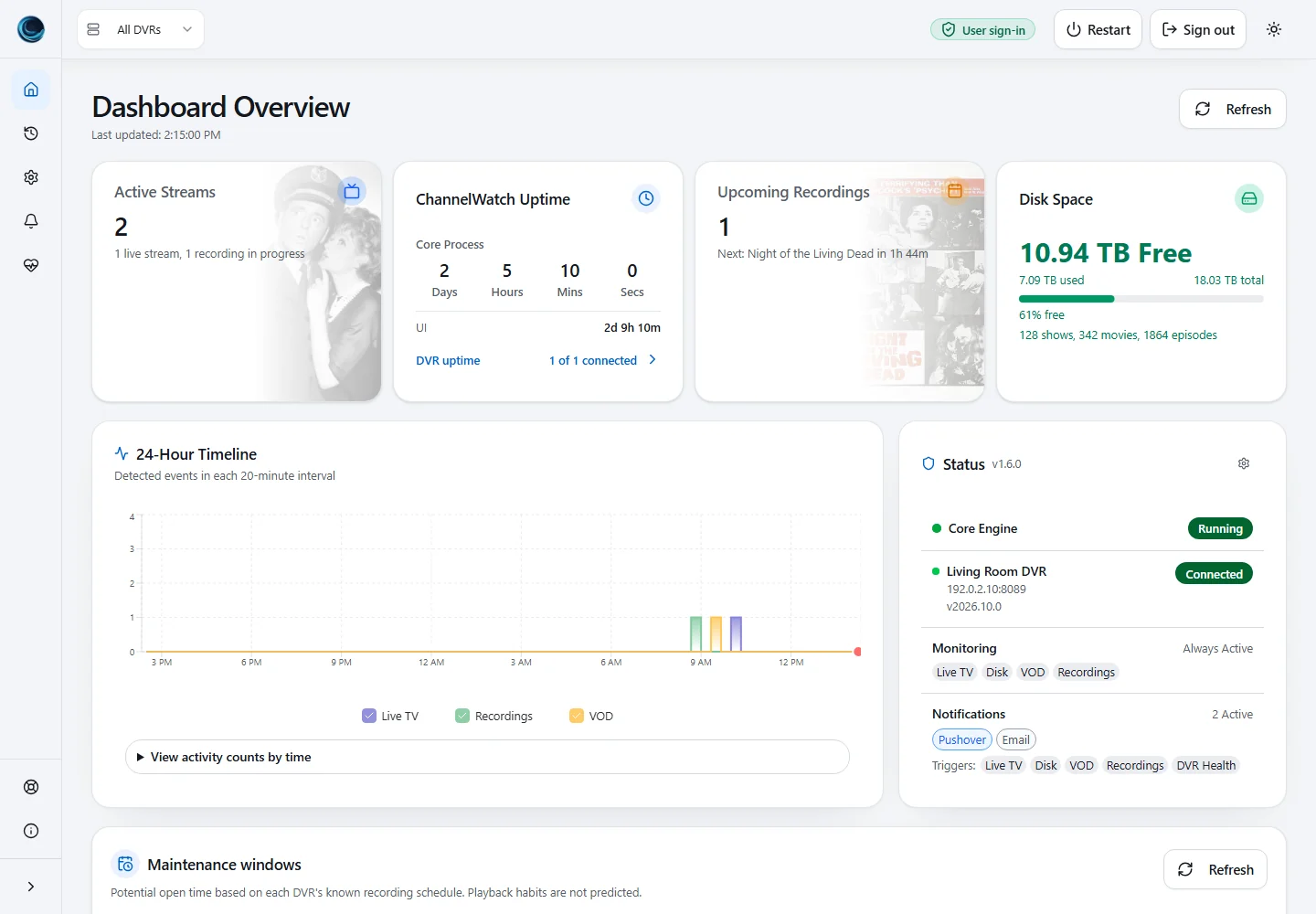
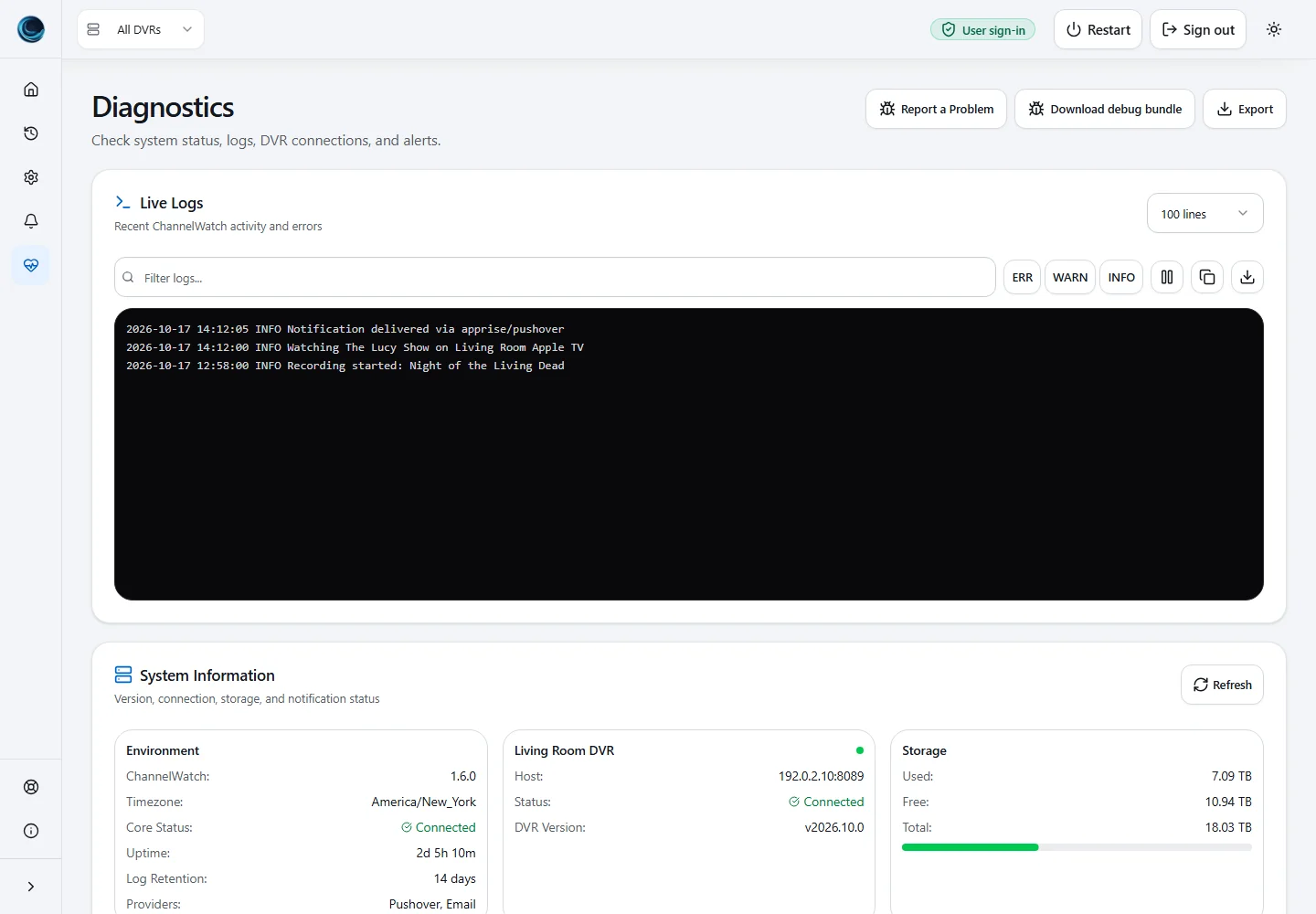
Playback, recordings, storage, and server health.
All together, without the guesswork.
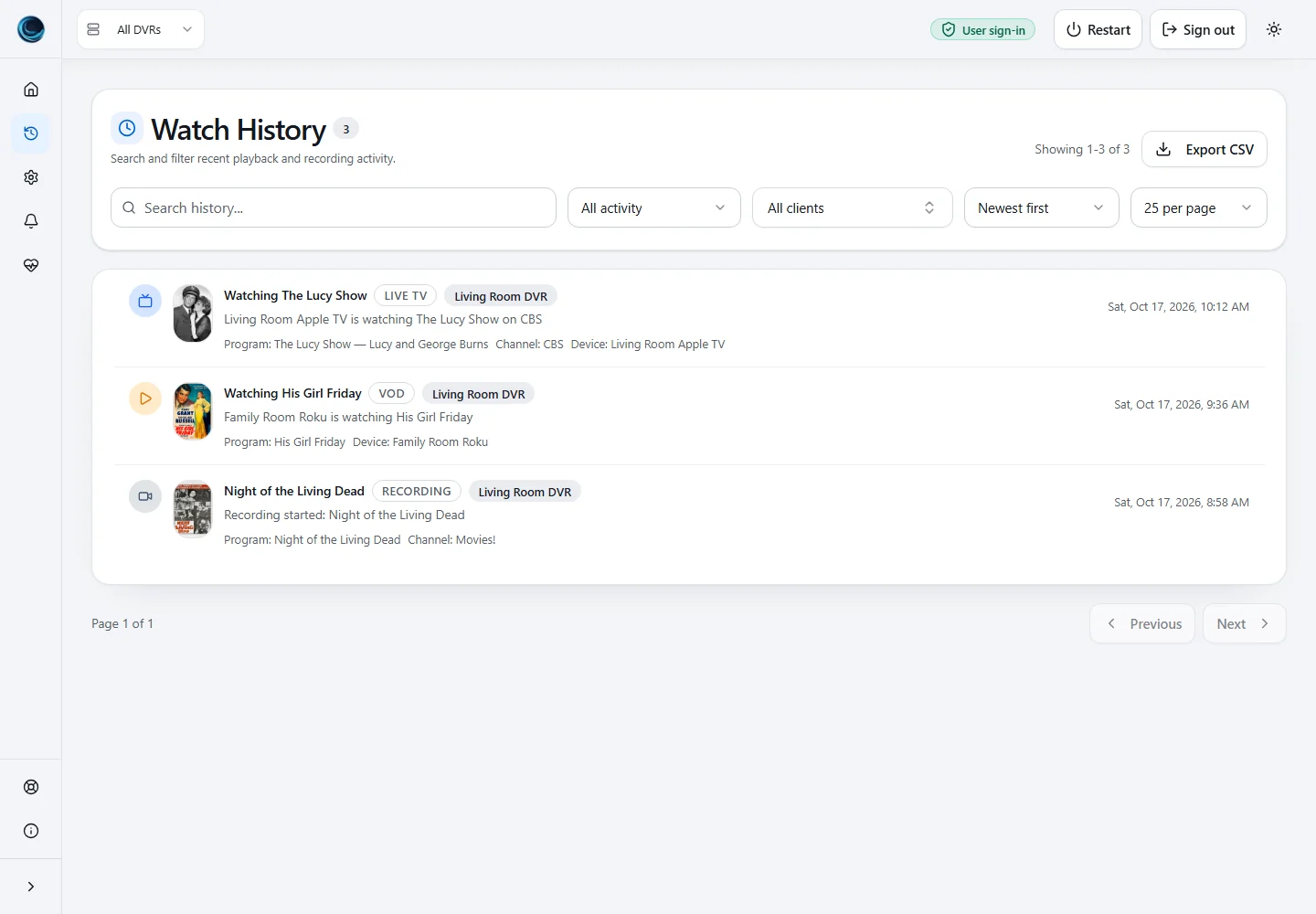
Follow live TV, VOD, and recording activity as ChannelWatch detects it.
Get warnings for recording failures, low disk space, and DVR connection problems.
Look back through watch history and filter activity by DVR, client, or event.
Notifications, on your terms
Choose what reaches you, where it goes, and which DVR sends it.
Explore notification options ↗📺 Movies! · Channel: 12.3
Status: 🔴 Recording (Scheduled)
Program: Night of the Living Dead
Free Space: 74.6 GB / 8.0 TB (0.9%)
Used Space: 7.9 TB
DVR Path: /shares/DVR
Make yourself at home
One container. A few settings. You’re in.
Install with Docker Compose and keep your settings in a persistent config volume.
Installation guide ↗Connect your Channels DVR server in the first-run wizard. Add more whenever you need.
Connect a server ↗Pick notification destinations, event types, and thresholds that work for you.
Configuration guide ↗Yes. ChannelWatch monitors one or more existing Channels DVR servers. It runs alongside your DVR.
On your own server with Docker. Your configuration stays in your persistent /config volume.
Yes. Add multiple servers, see them together, and choose notification rules for each DVR.
Yes. v1.6.0 installs in the app from v1.4.0, v1.4.1, v1.4.5, or v1.5.3 without recreating the container.
Ready when you are
Free and open source. Built for Channels DVR.