
A closer look.
Explore ChannelWatch with demonstration data. Open any image to see the details, or browse setup and settings below.
The new interface
One visual language for monitoring, history, notifications and diagnostics.
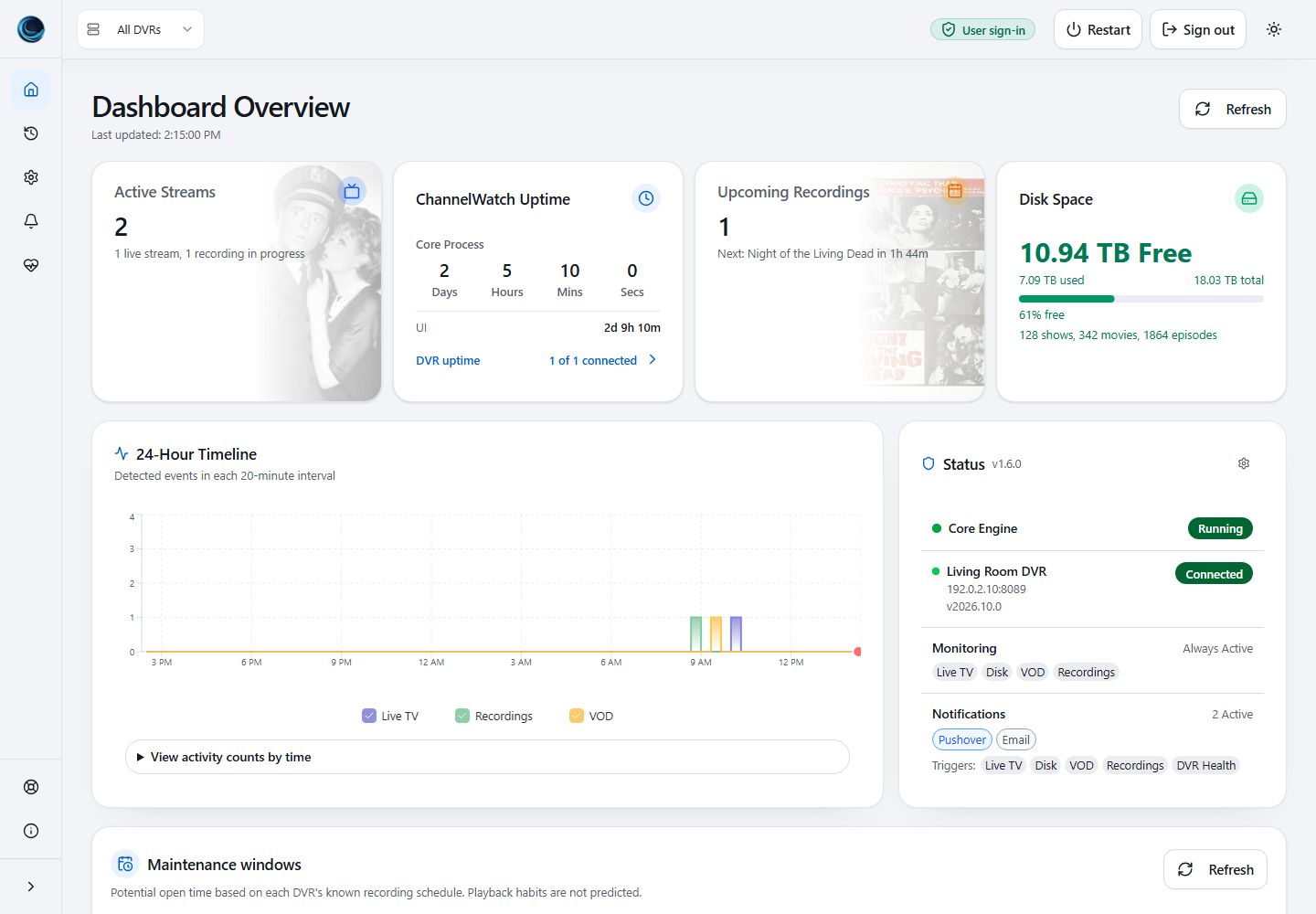
DashboardActive streams, recordings, storage and status. Demonstration data. 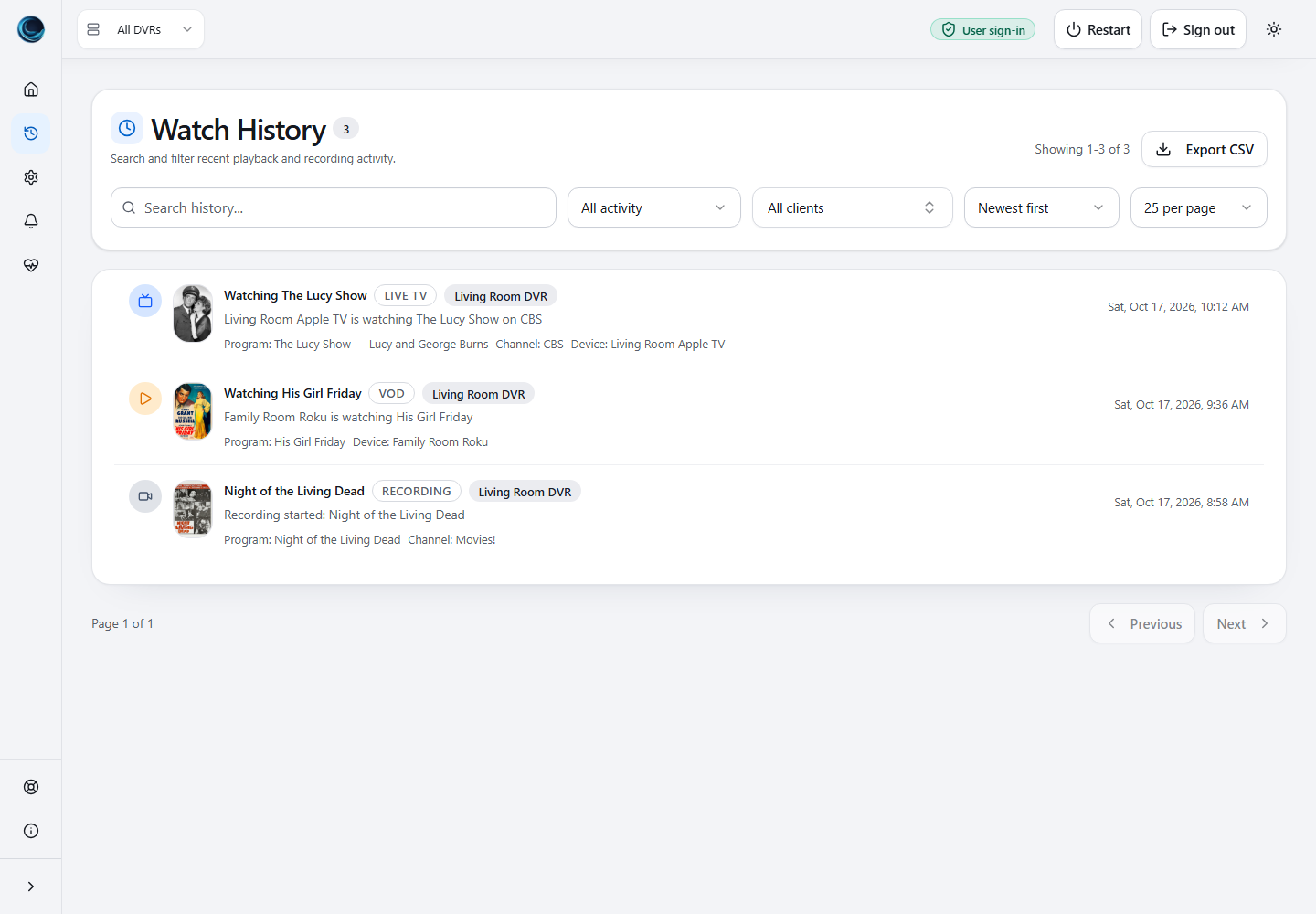
Watch historyPlayback and recording activity with artwork and filters. Demonstration data. 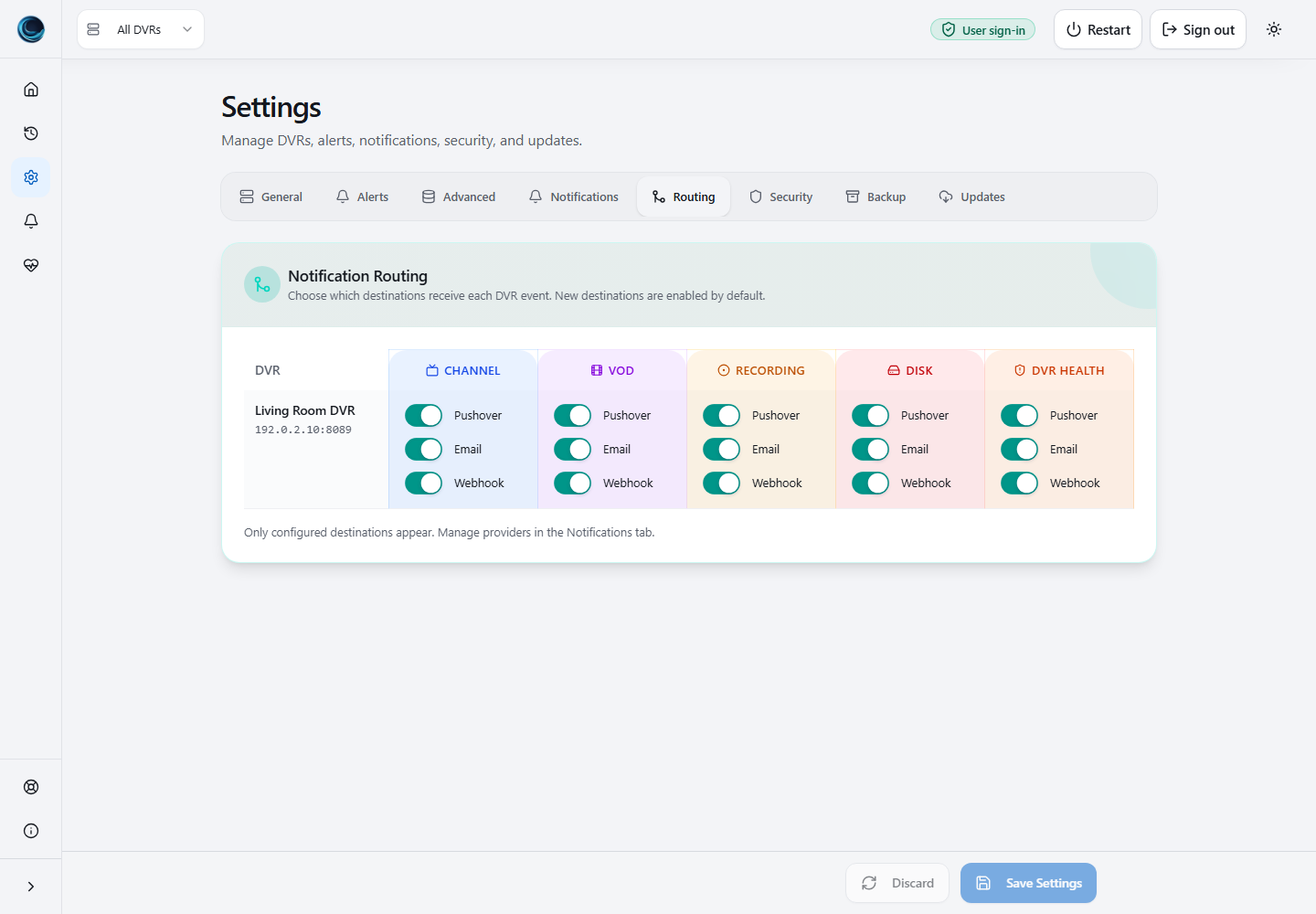
Notification routingChoose alert destinations for each DVR. Demonstration data. 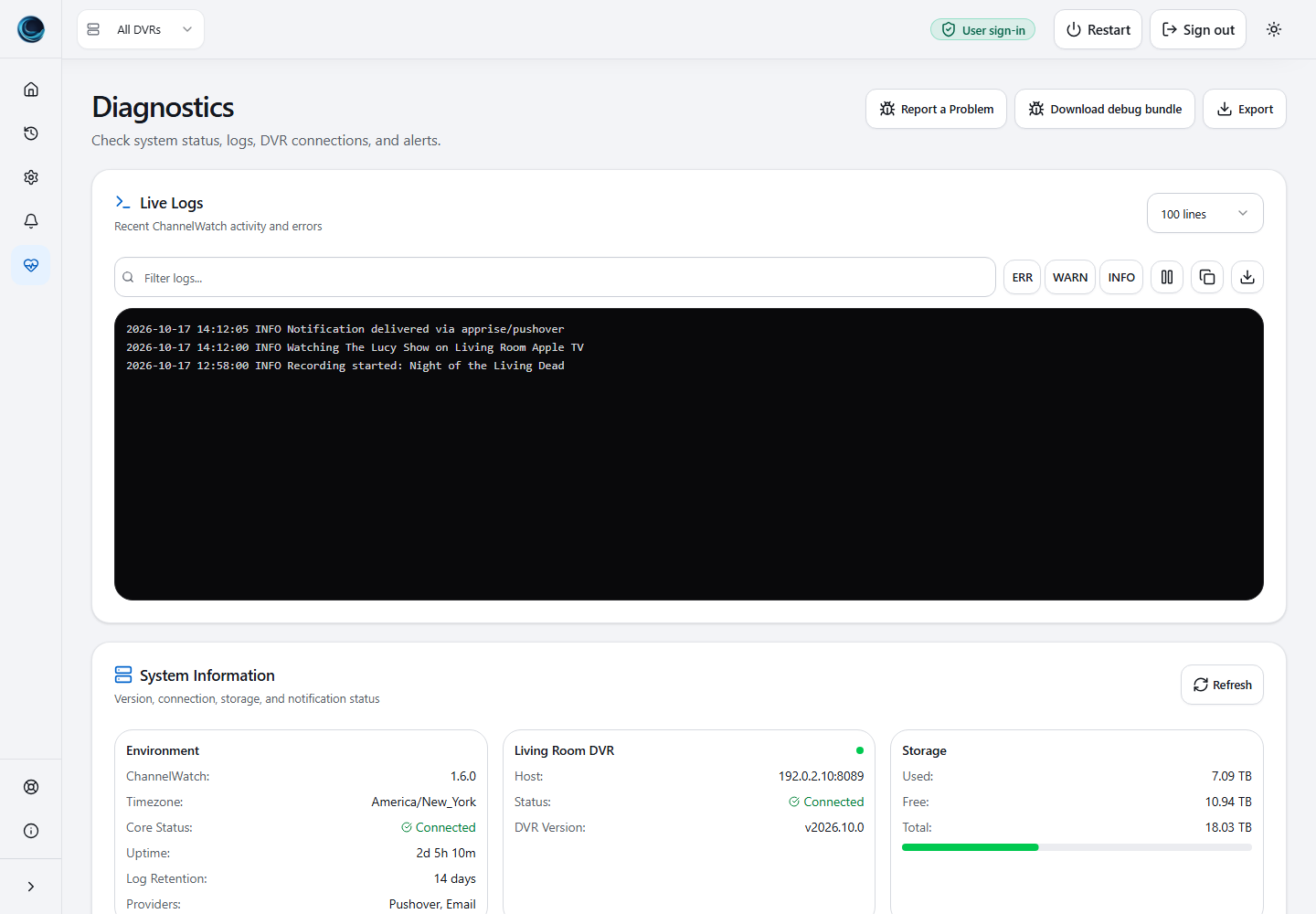
DiagnosticsLogs, connection checks and system information. Demonstration data.
More app views · 40 captures
Setup
6 verified views
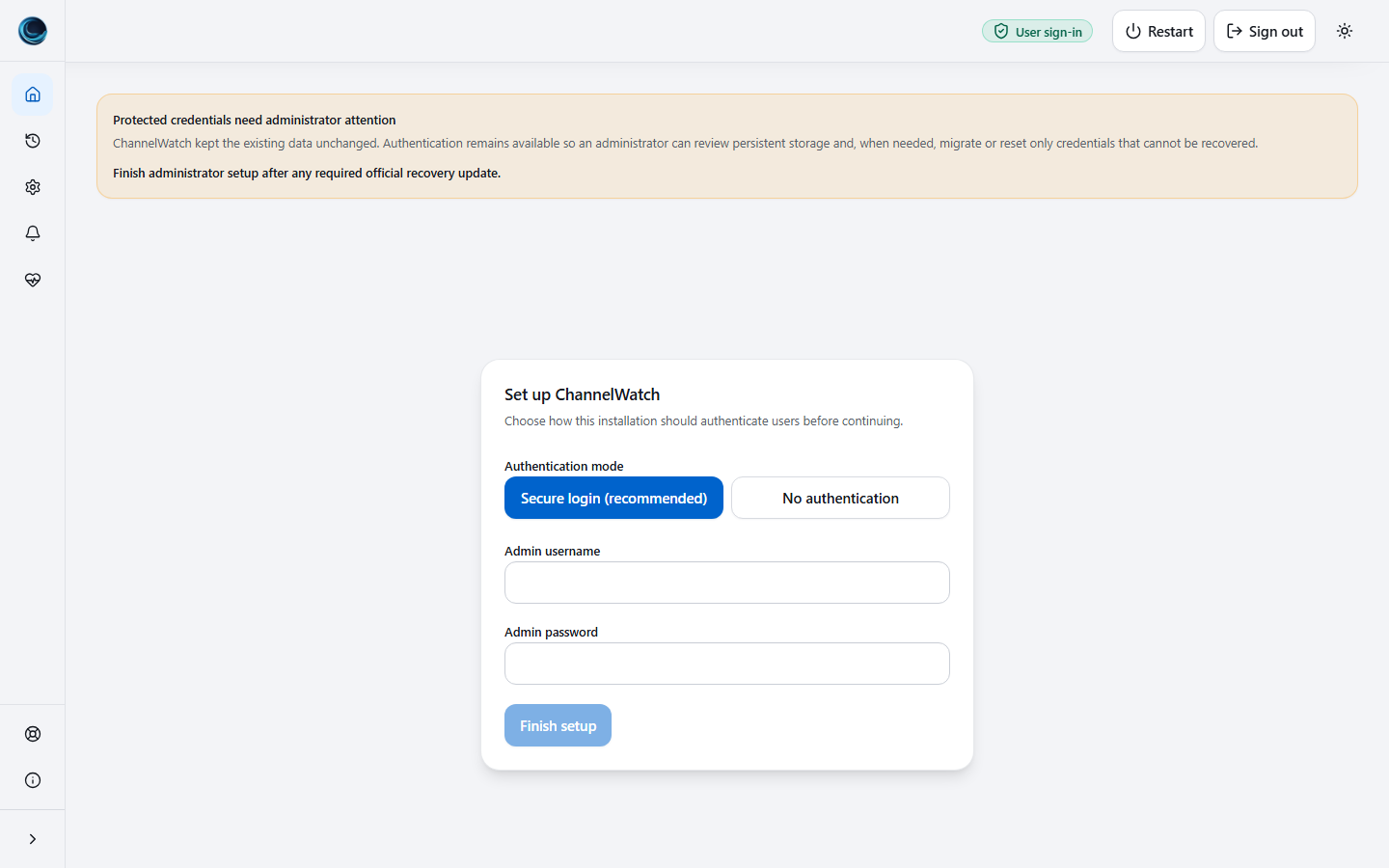
Initial Auth SetupInitial setup asks the operator to choose secure login or explicit no-auth mode before the app opens. 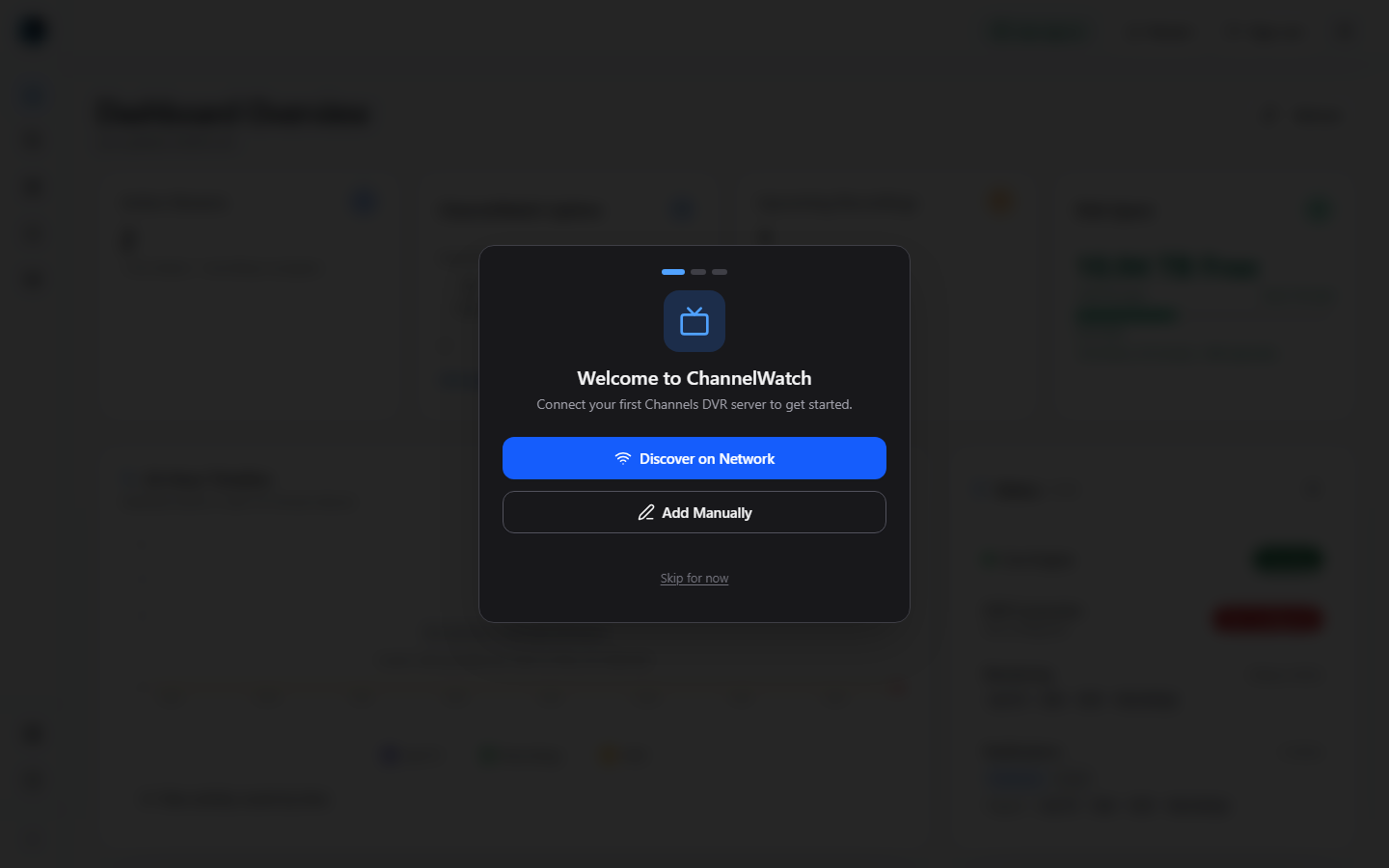
First-Run WizardThe first-run wizard appears when no DVR servers are configured. 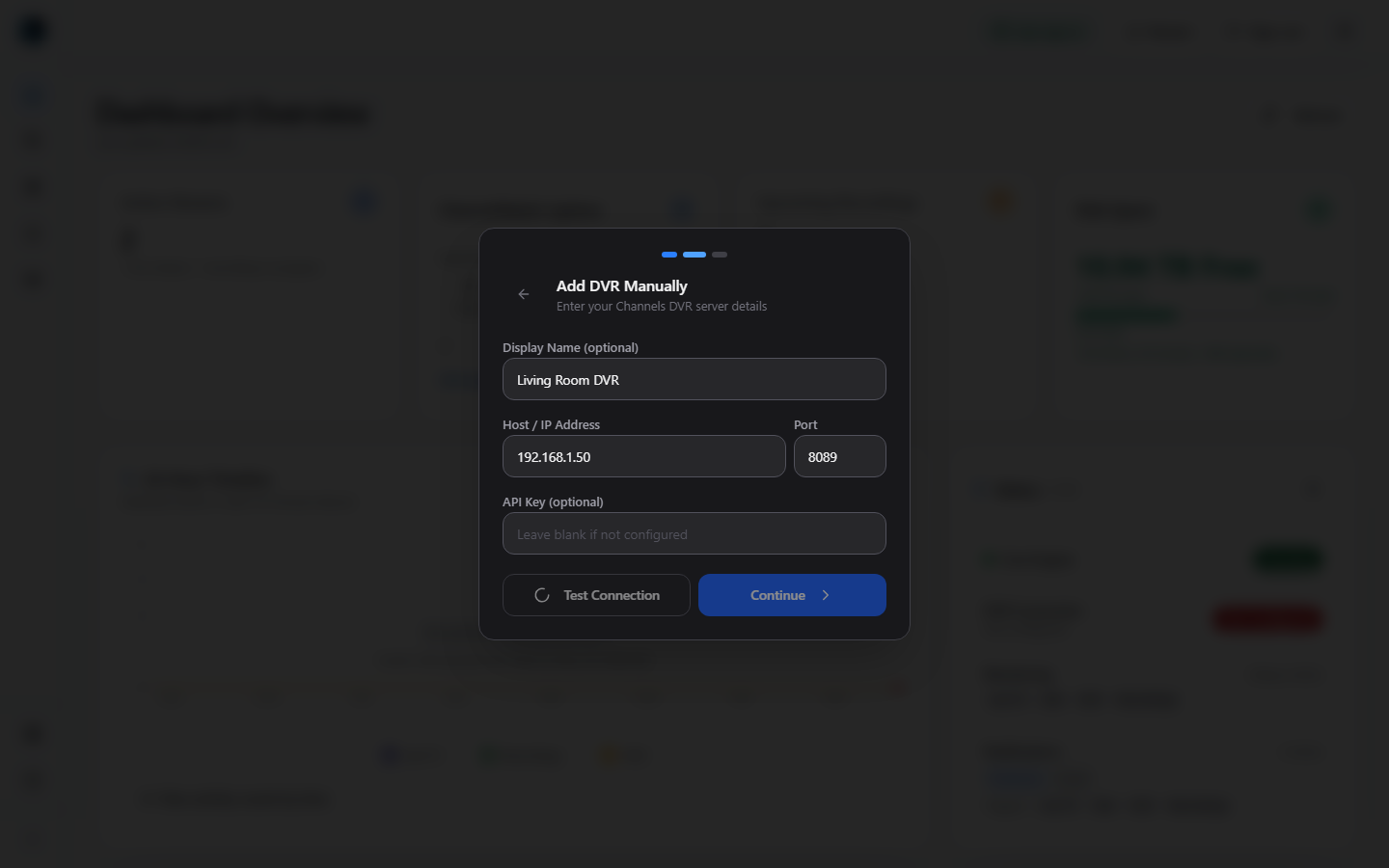
Manual DVR AddManual setup supports a demo-safe name, host, port, optional API key, and connection test before saving. 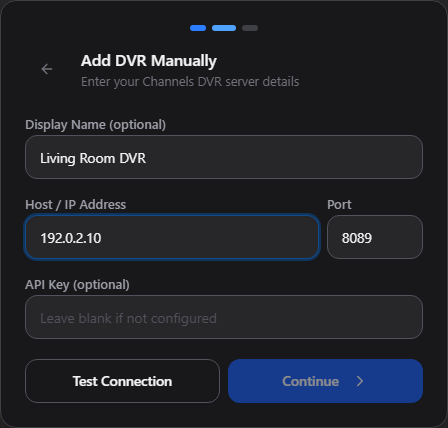
Add a DVR manuallyEnter your DVR connection details and test the connection before continuing. This example uses a reserved demonstration IP address and no API key. 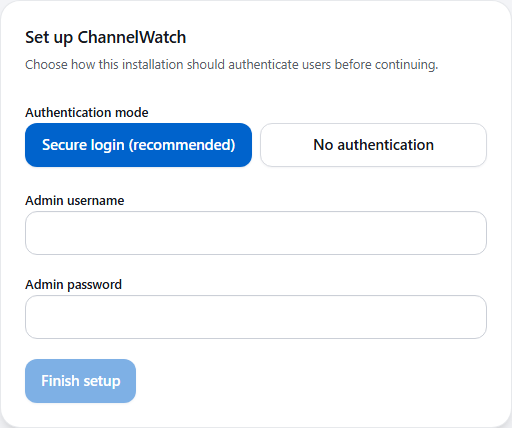
Choose authentication during setupChoose how the installation authenticates users before continuing. Secure login creates the first administrator account. 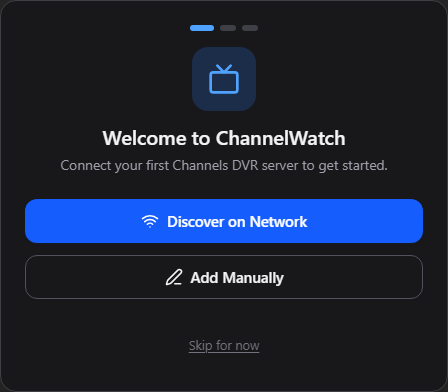
Connect your first DVRThe first-run wizard starts by offering network discovery or manual DVR setup. This dialog uses the dark surface built into the released app.
Dashboard
4 verified views
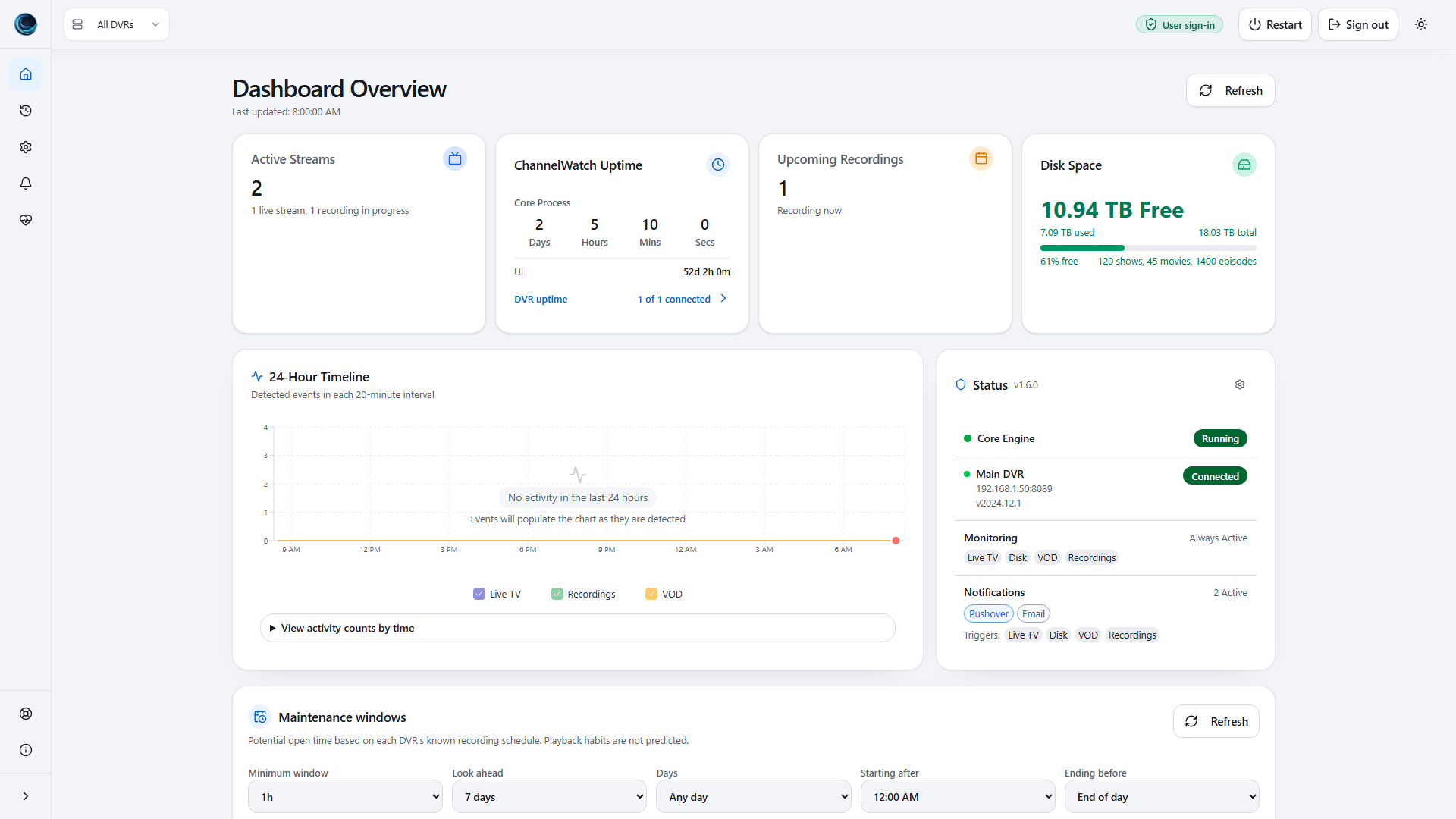
Dashboard OverviewMain dashboard with live streams, upcoming recordings, disk status, activity timeline, and multi-DVR health. 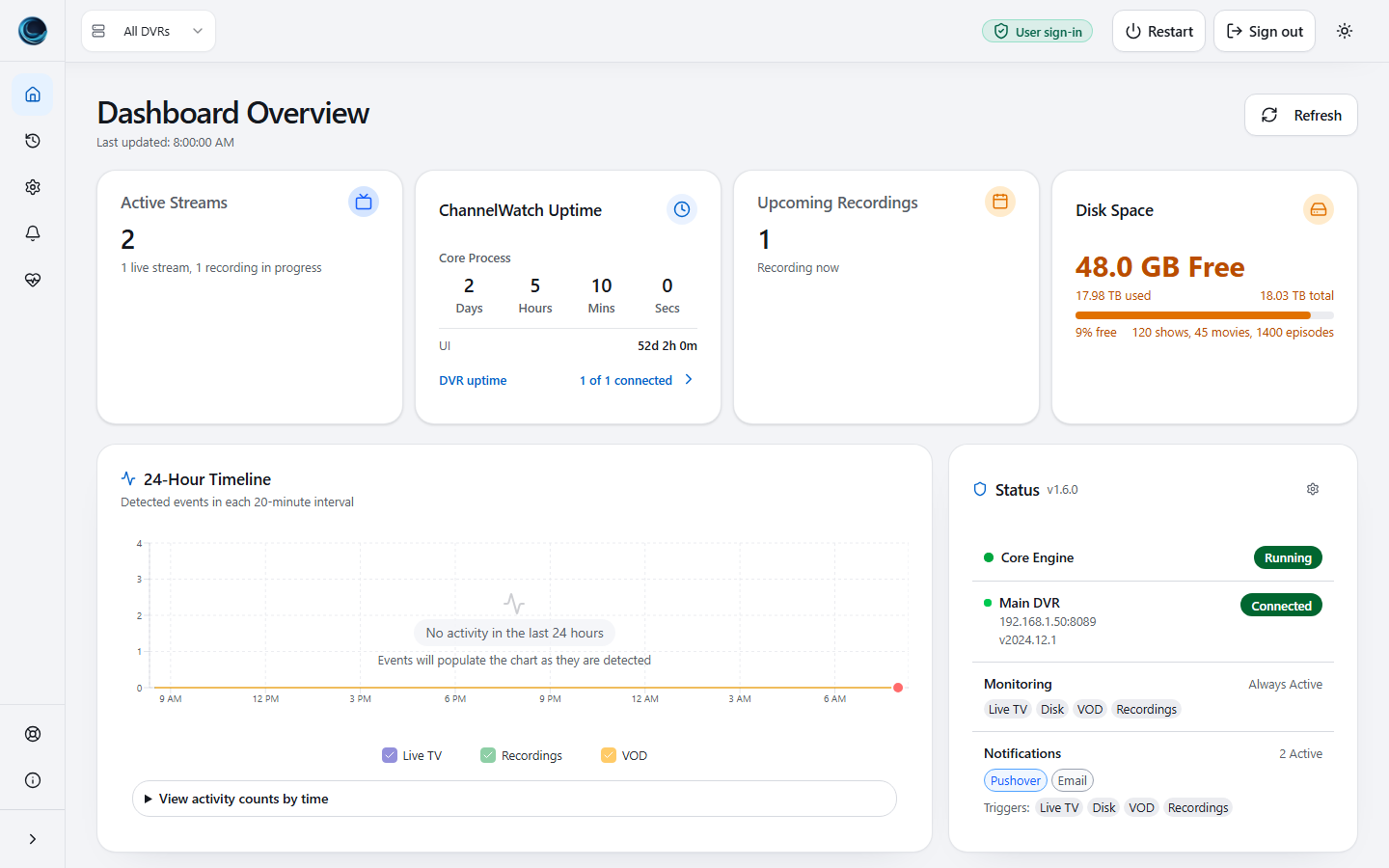
Dashboard Warning StateA degraded demo state shows how stale DVR freshness and disk pressure are surfaced without exposing real DVR data. 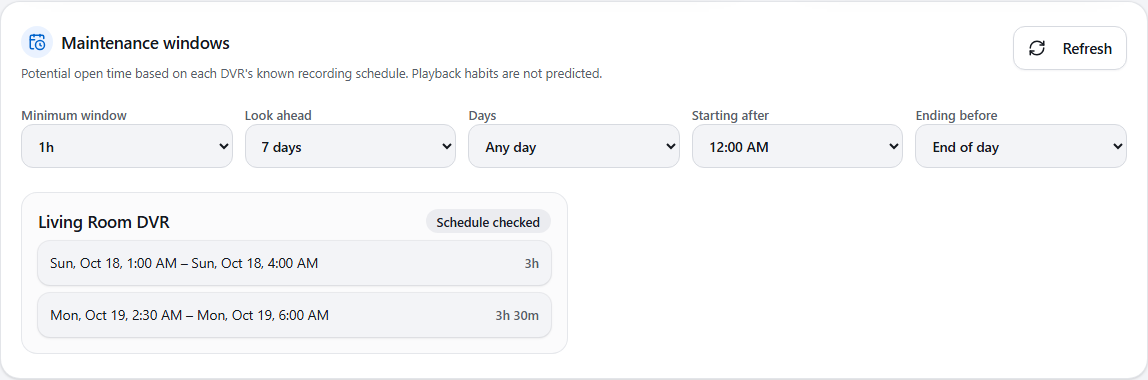
Maintenance windowsThe Dashboard lists potential maintenance windows from the known recording schedule. Playback habits are not predicted. 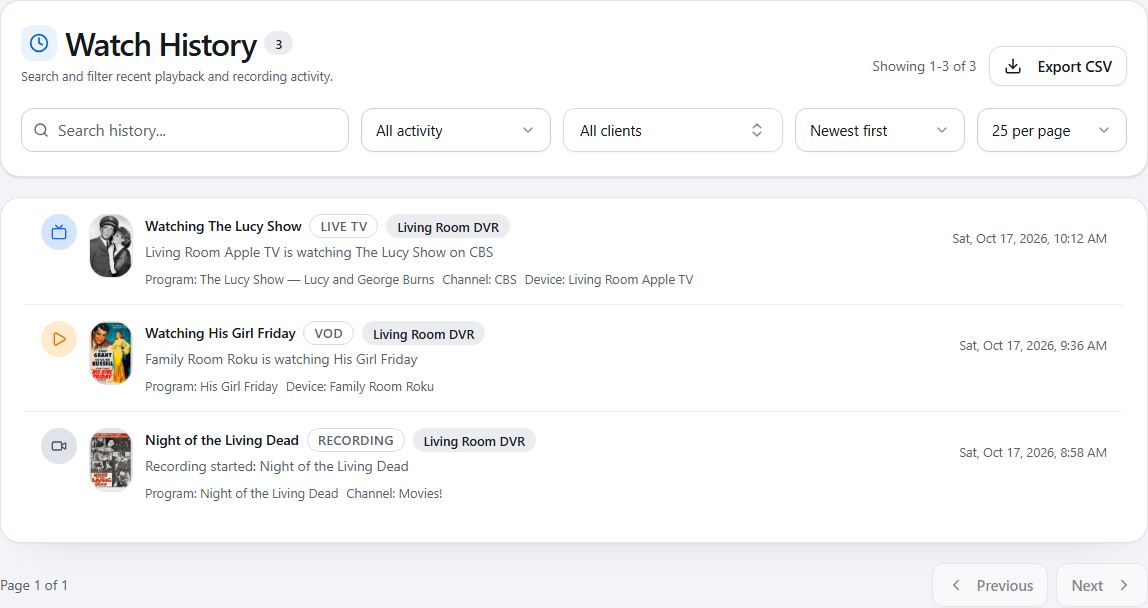
Watch HistorySearch recent activity, filter by activity or client, open an event, or export the matching history as CSV.
Settings
1 verified view
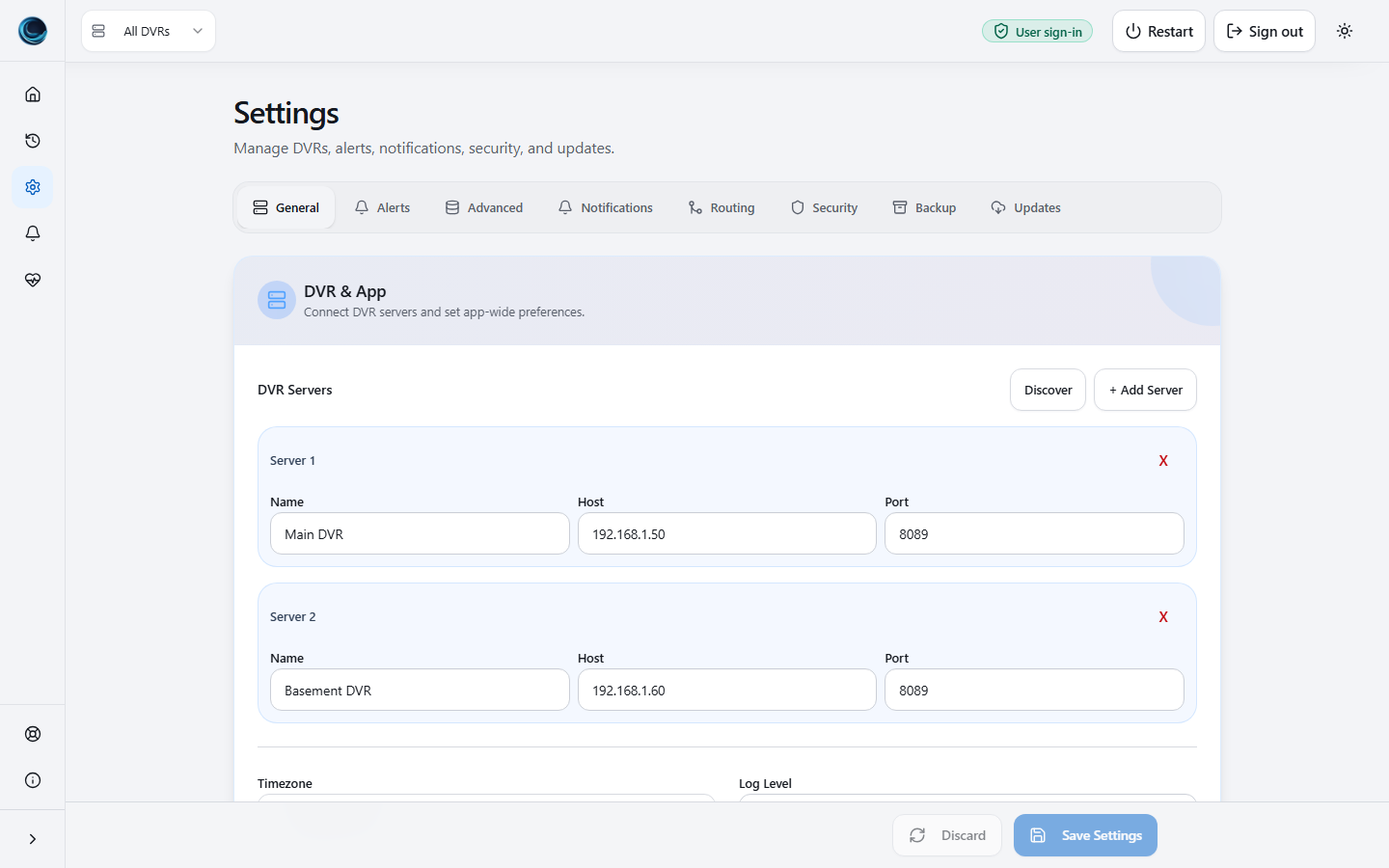
Multi-DVR SettingsThe General tab manages multiple DVR servers with discovery and manual add controls.
Alerts
7 verified views
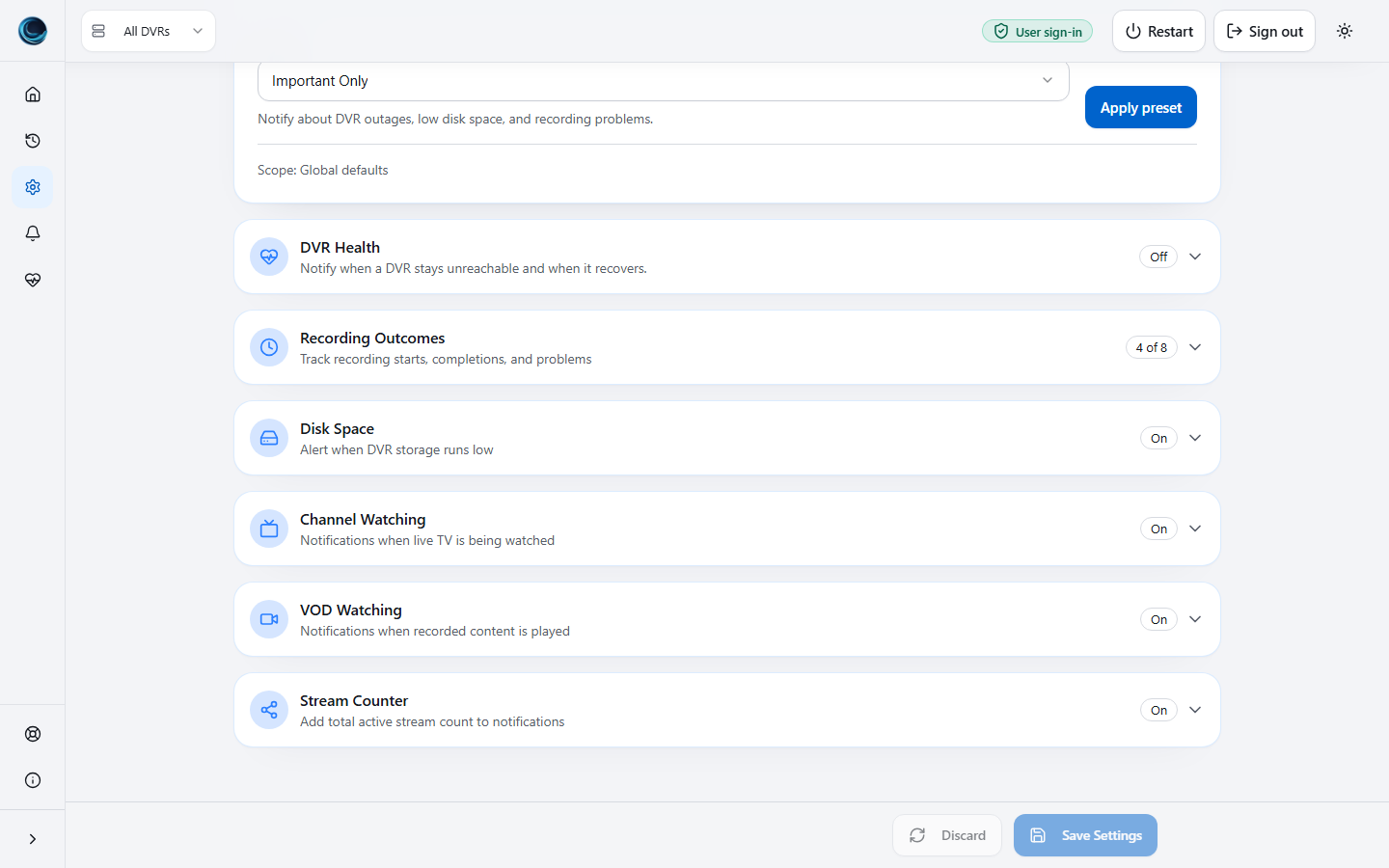
Channel Watching AlertsChannel Watching settings expose per-DVR alert controls and notification field choices. 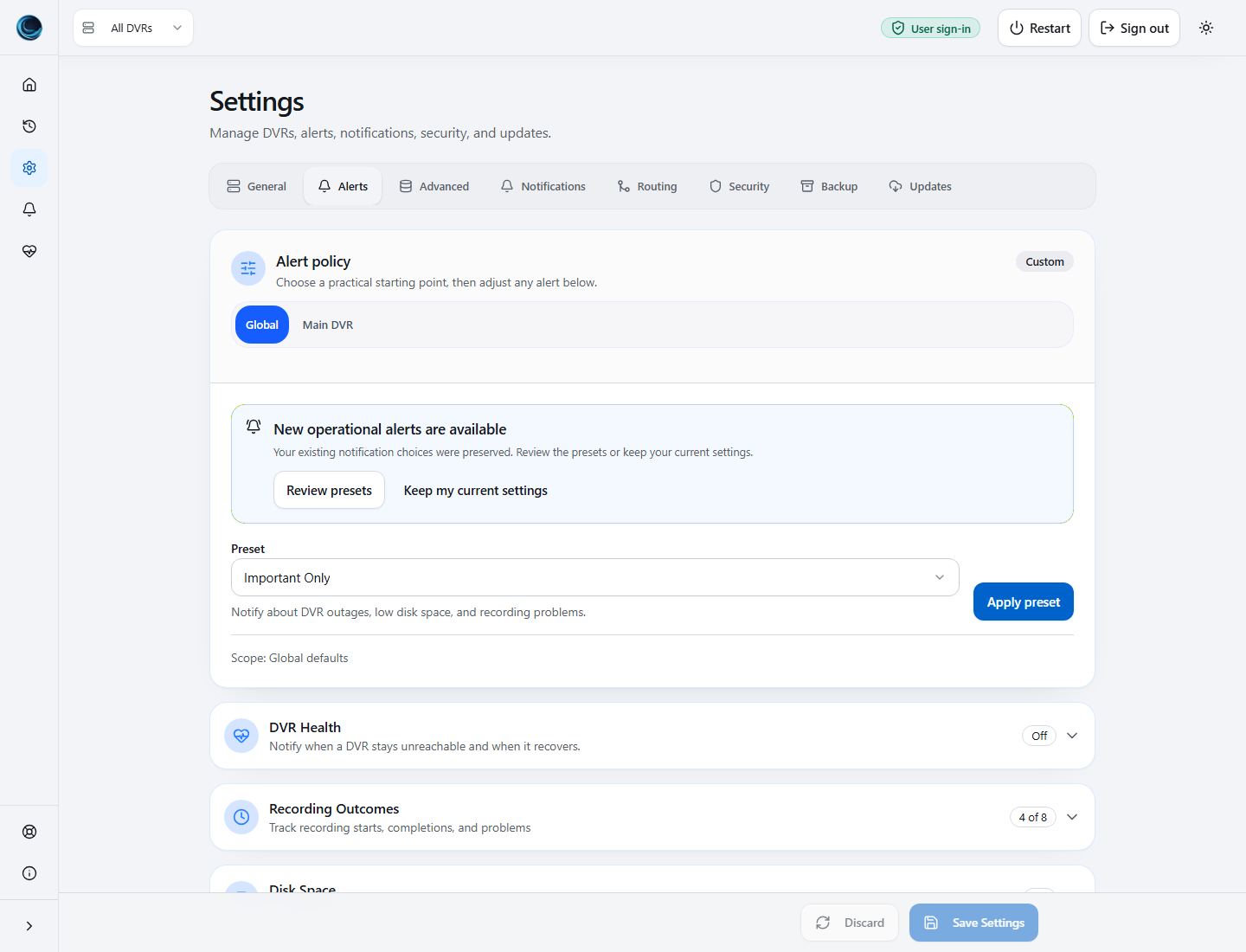
Disk Alert ThresholdsDisk Space alerts use configurable warning and critical thresholds with per-DVR overrides. 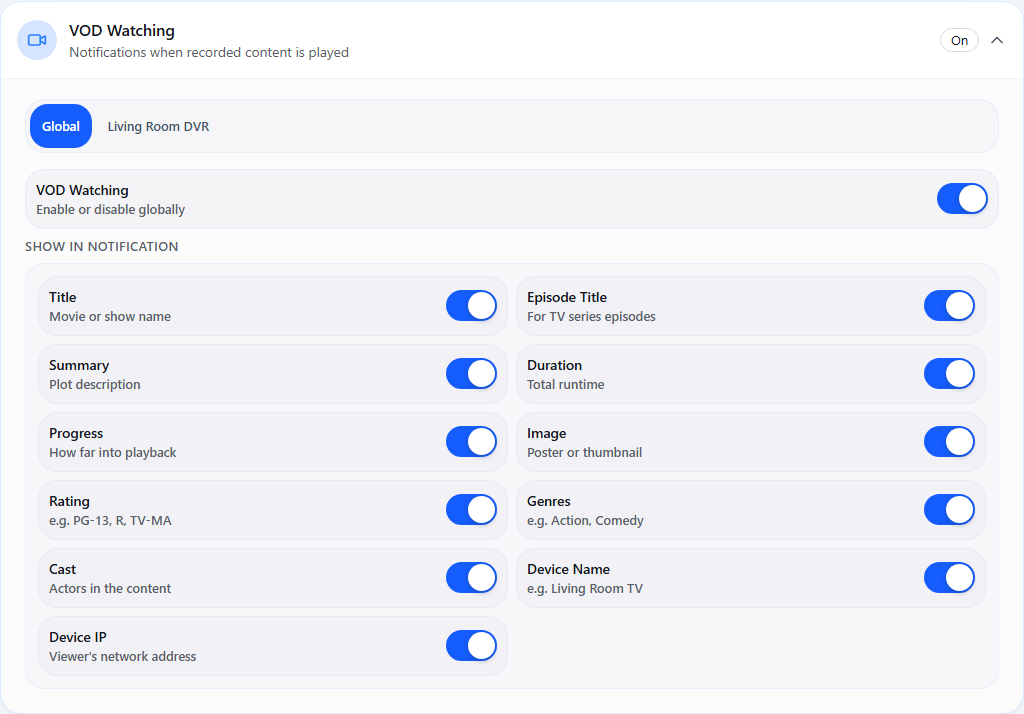
VOD Watching fieldsSettings > Alerts > VOD Watching controls which recorded-content playback details appear in notifications. 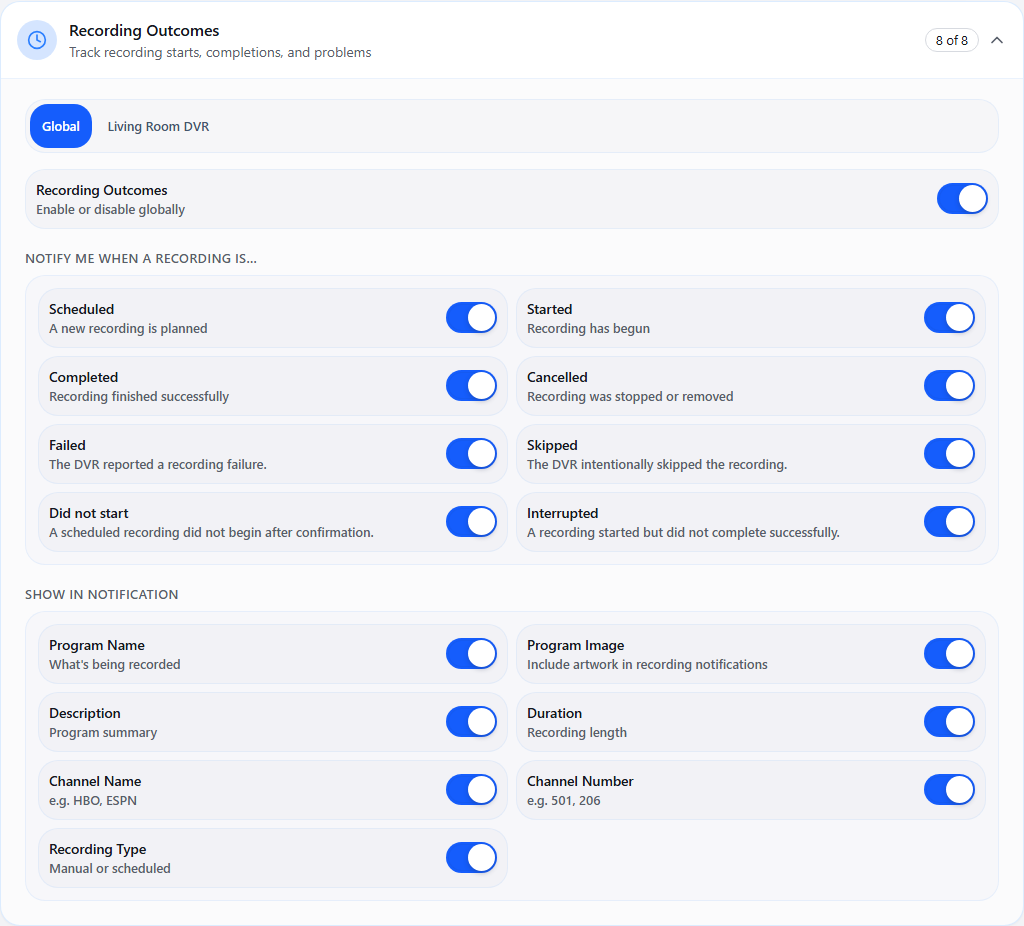
Recording OutcomesChoose which recording outcomes send an alert, then select the program and channel details to include. 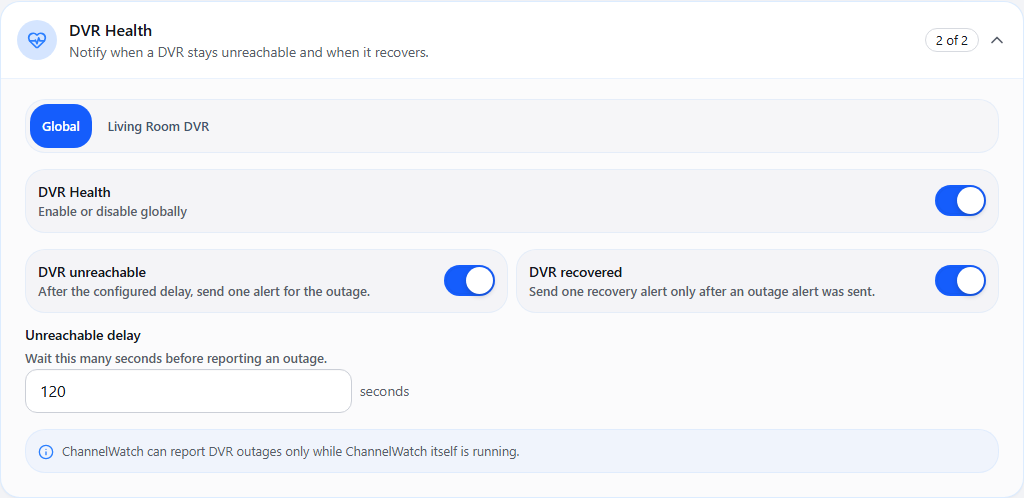
DVR Health alertsDVR Health alerts use a delay before reporting an unreachable DVR and send recovery only after an outage alert. 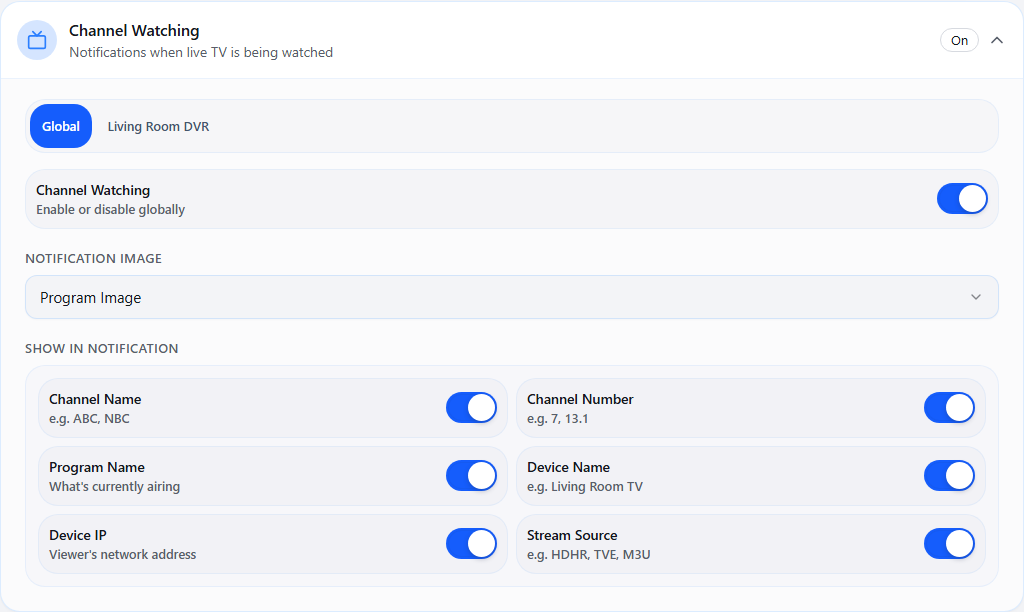
Channel Watching fieldsChannel Watching can include program artwork or a channel logo, along with the live TV and device details you choose. 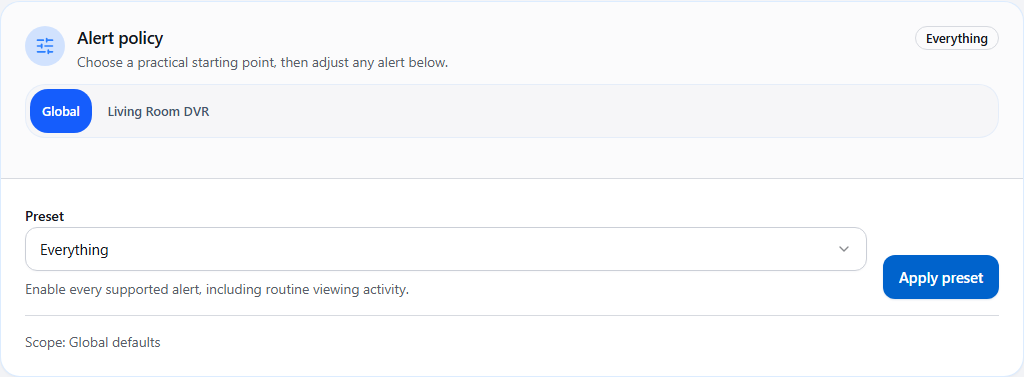
Alert policy and presetsPresets set a starting policy for the selected scope. Review the choices below and save settings to keep the change.
Notifications
13 verified views
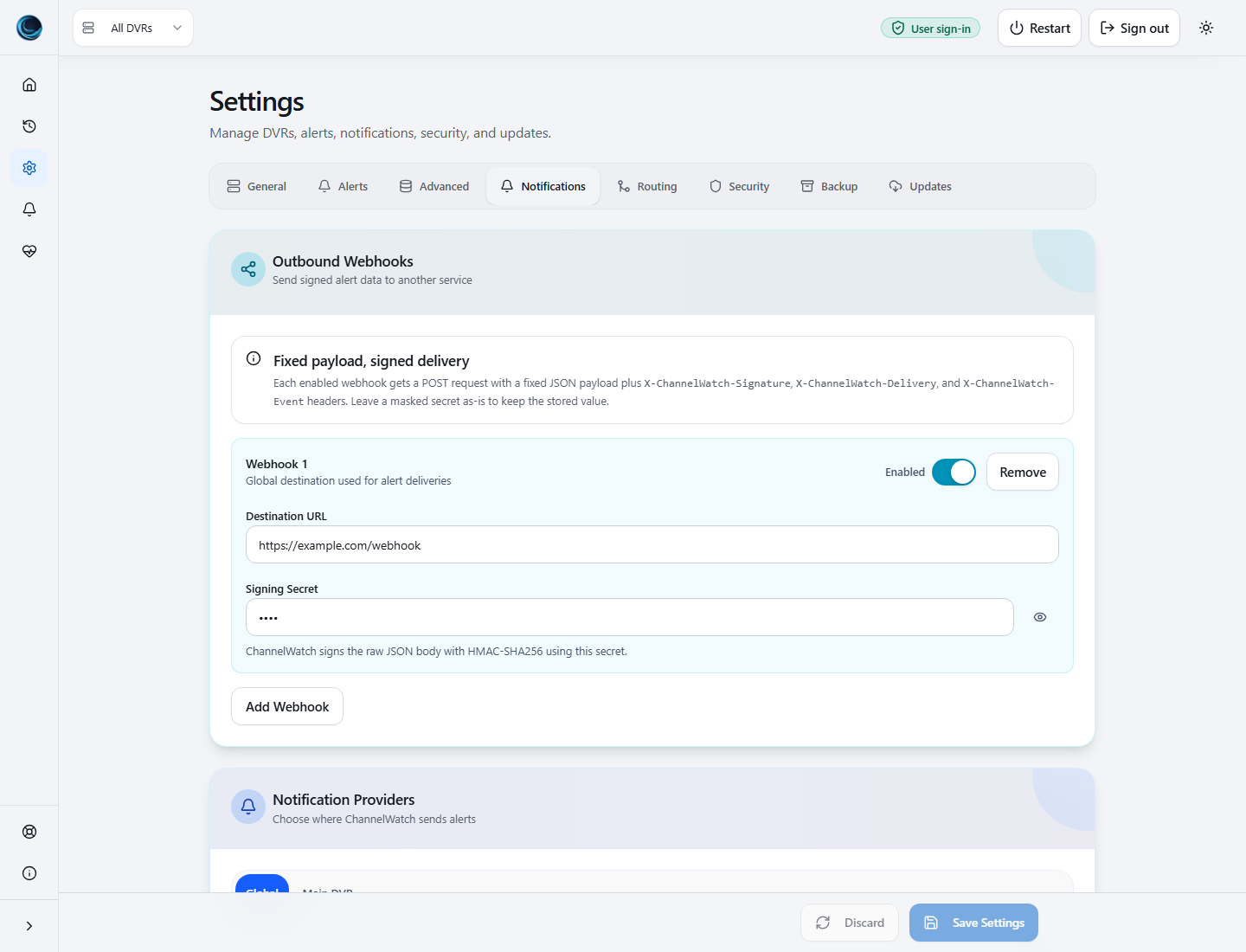
Notification ProvidersNotification setup includes signed webhooks plus Apprise-backed providers such as Pushover, Discord, email, Slack, and Custom. 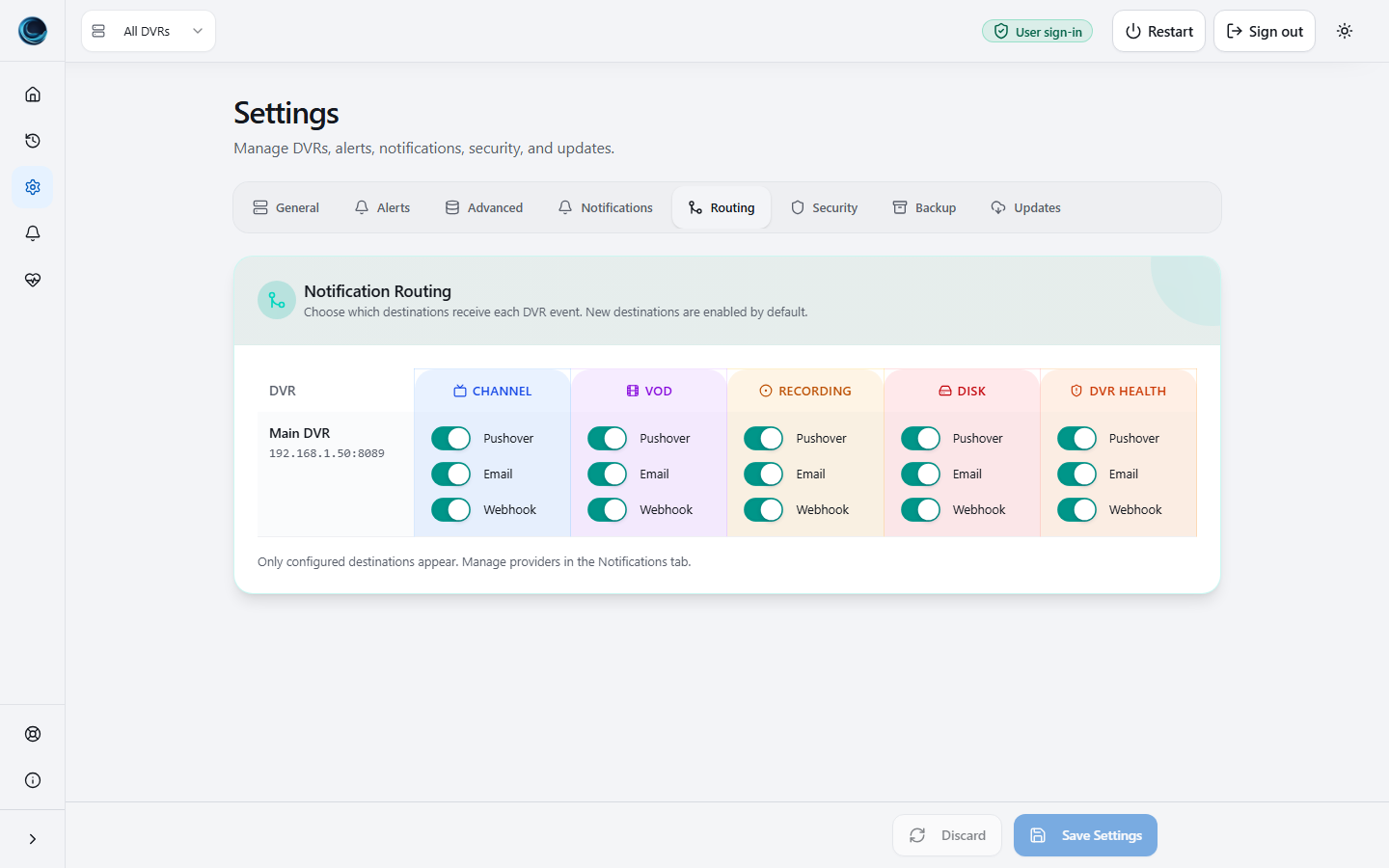
Notification Routing MatrixThe routing matrix controls which destinations receive each alert type for each DVR. 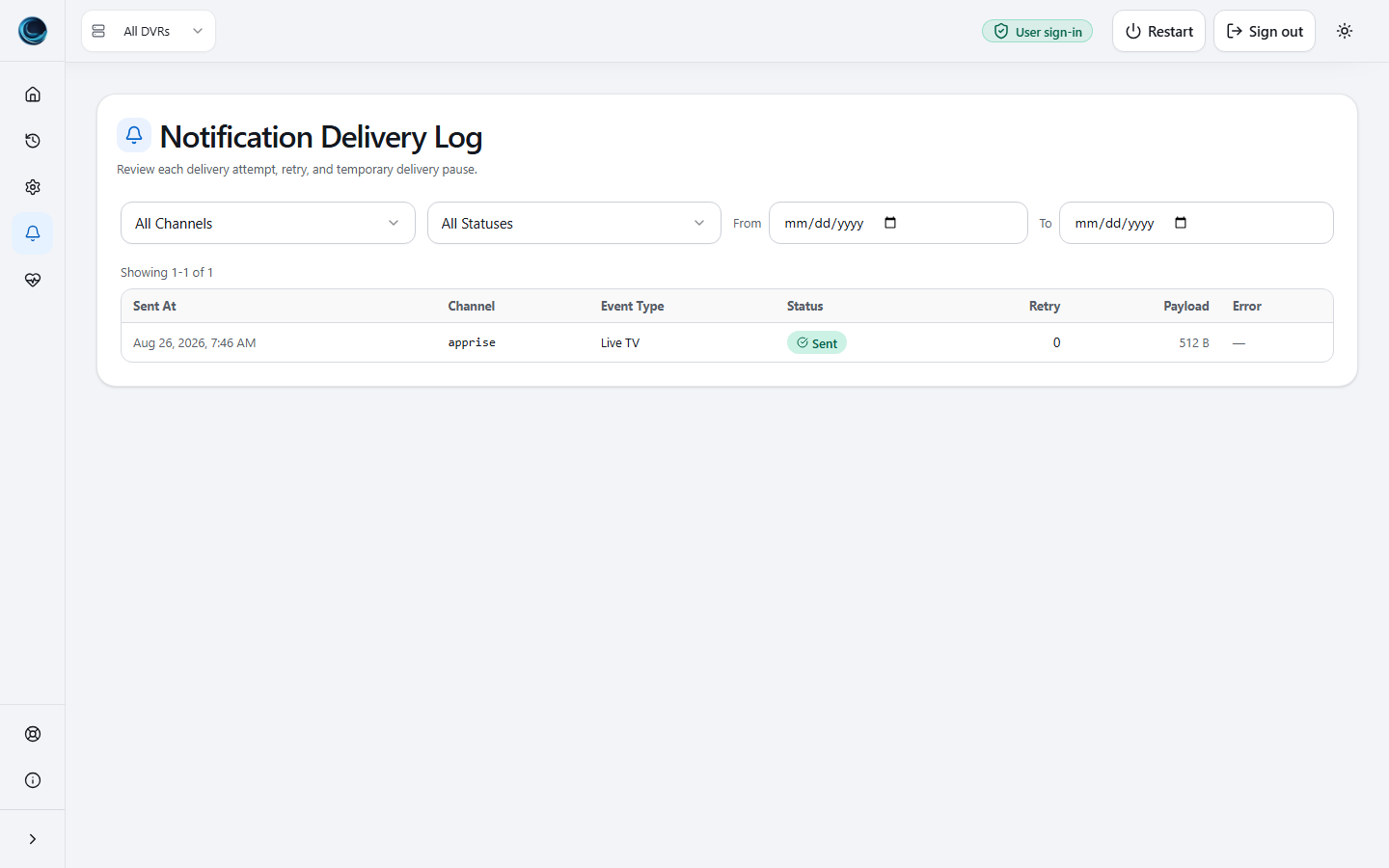
Notification Delivery LogDelivery logs show per-alert status, retry count, payload size, and receiver errors. 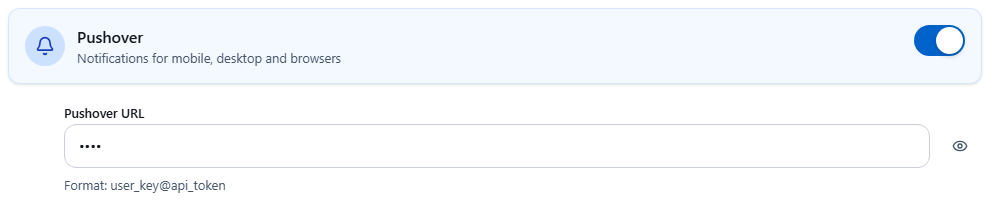
Pushover settingsEnable Pushover under Settings > Notifications and enter the destination details. Credentials are masked in this example. 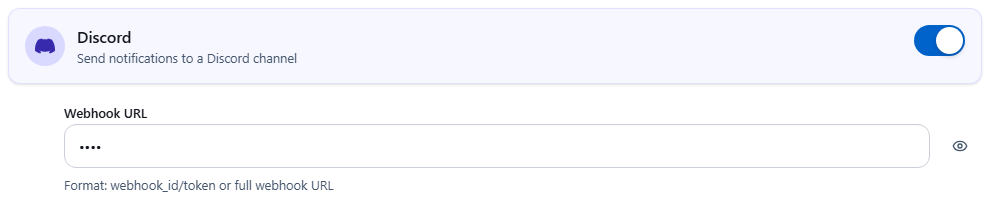
Discord settingsEnable Discord under Settings > Notifications and enter the destination details. Credentials are masked in this example. 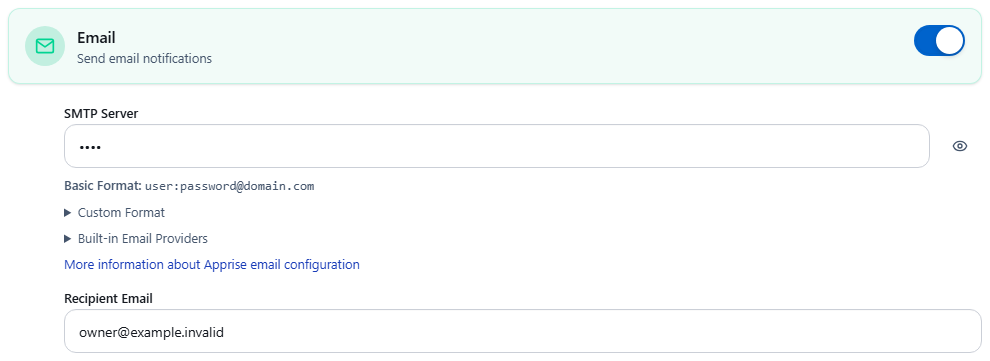
Email settingsEnable Email under Settings > Notifications and enter the SMTP connection and recipient address. Credentials are masked in this example. 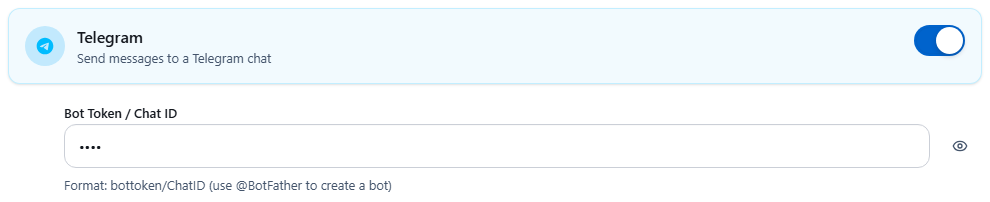
Telegram settingsEnable Telegram under Settings > Notifications and enter the destination details. Credentials are masked in this example. 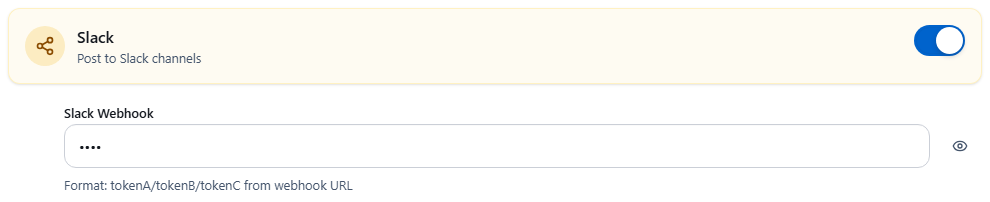
Slack settingsEnable Slack under Settings > Notifications and enter the destination details. Credentials are masked in this example. 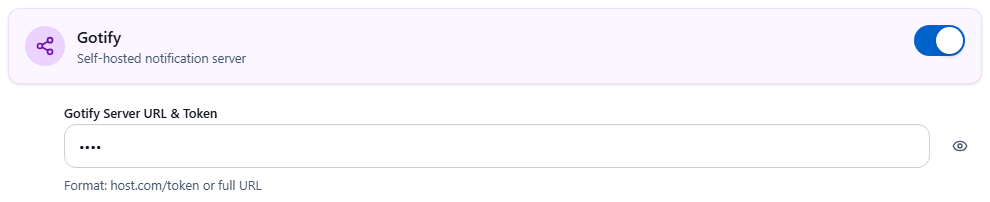
Gotify settingsEnable Gotify under Settings > Notifications and enter the destination details. Credentials are masked in this example. 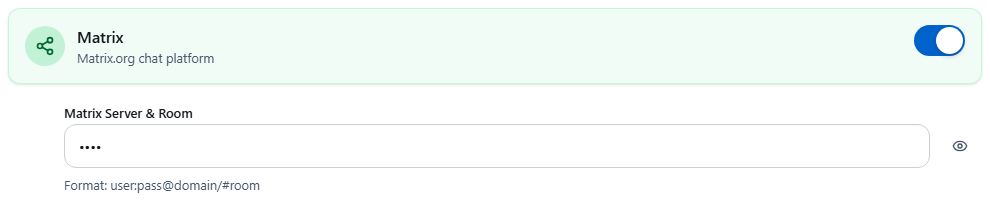
Matrix settingsEnable Matrix under Settings > Notifications and enter the destination details. Credentials are masked in this example. 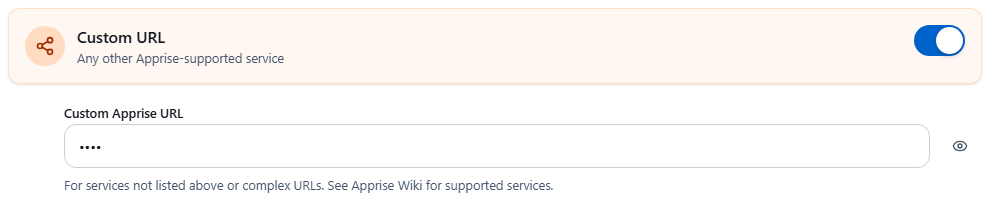
Custom settingsEnable Custom under Settings > Notifications and enter the destination details. Credentials are masked in this example. 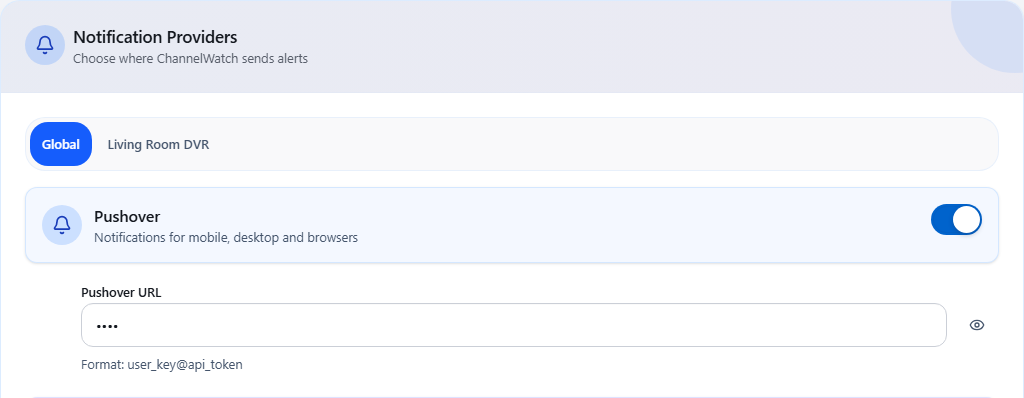
Notification provider setupChoose a destination under Settings > Notifications. Global credentials can be inherited or overridden for a DVR. 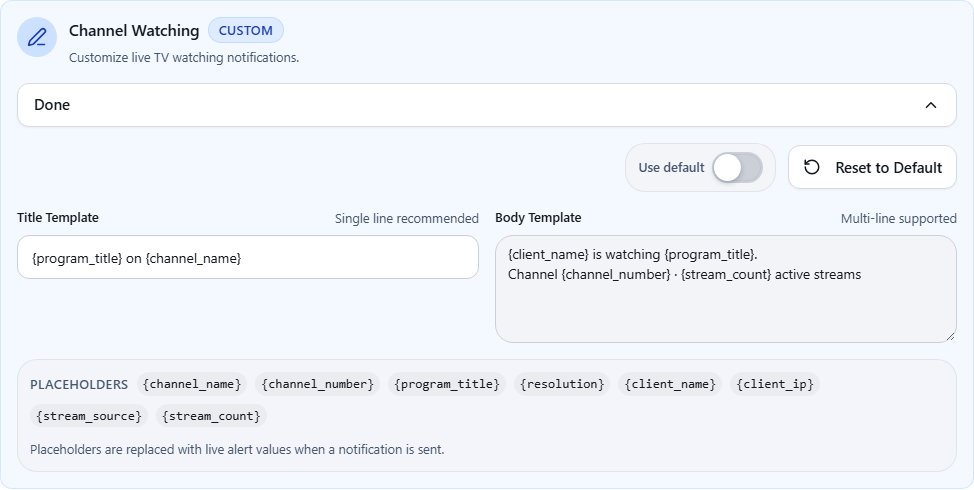
Notification template editorThe template editor shows the placeholders supported by that alert type. This example customizes the live TV title and body.
Operations
4 verified views
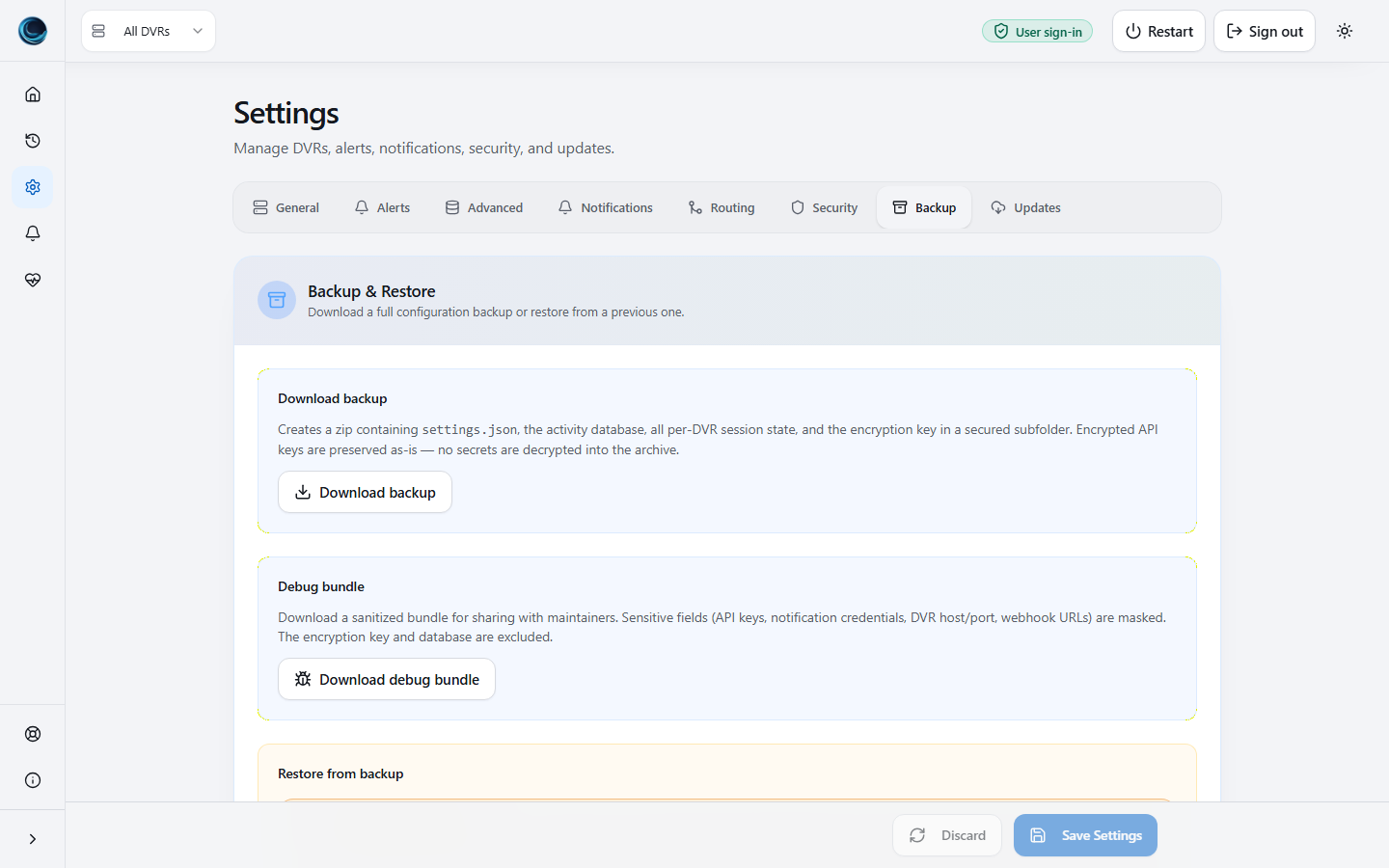
Backup And RestoreBackup and restore tools include explicit restore warnings and a sanitized debug bundle download. 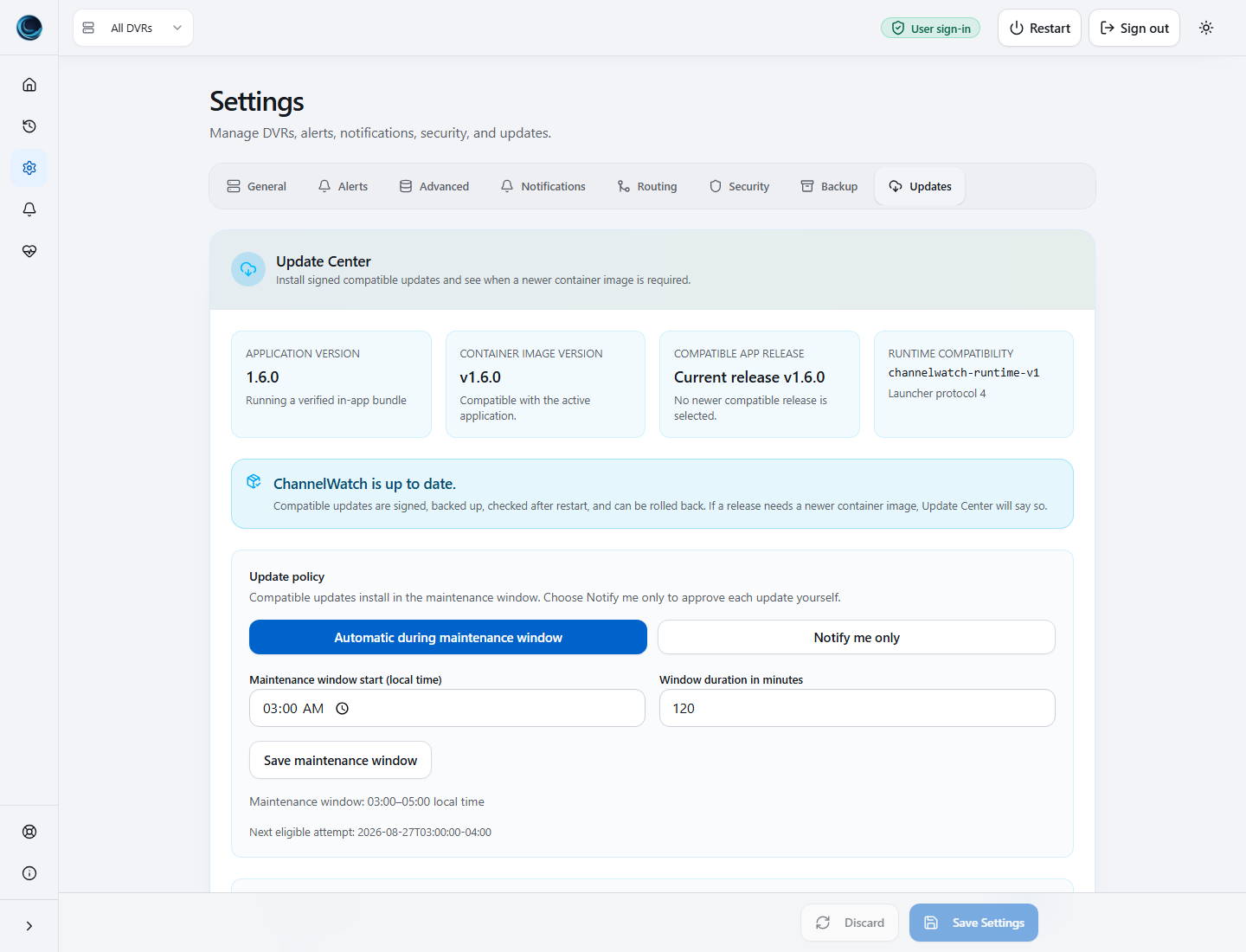
Update CenterThe Update Center confirms the installed v1.6.0 release, runtime compatibility, and automatic update policy. 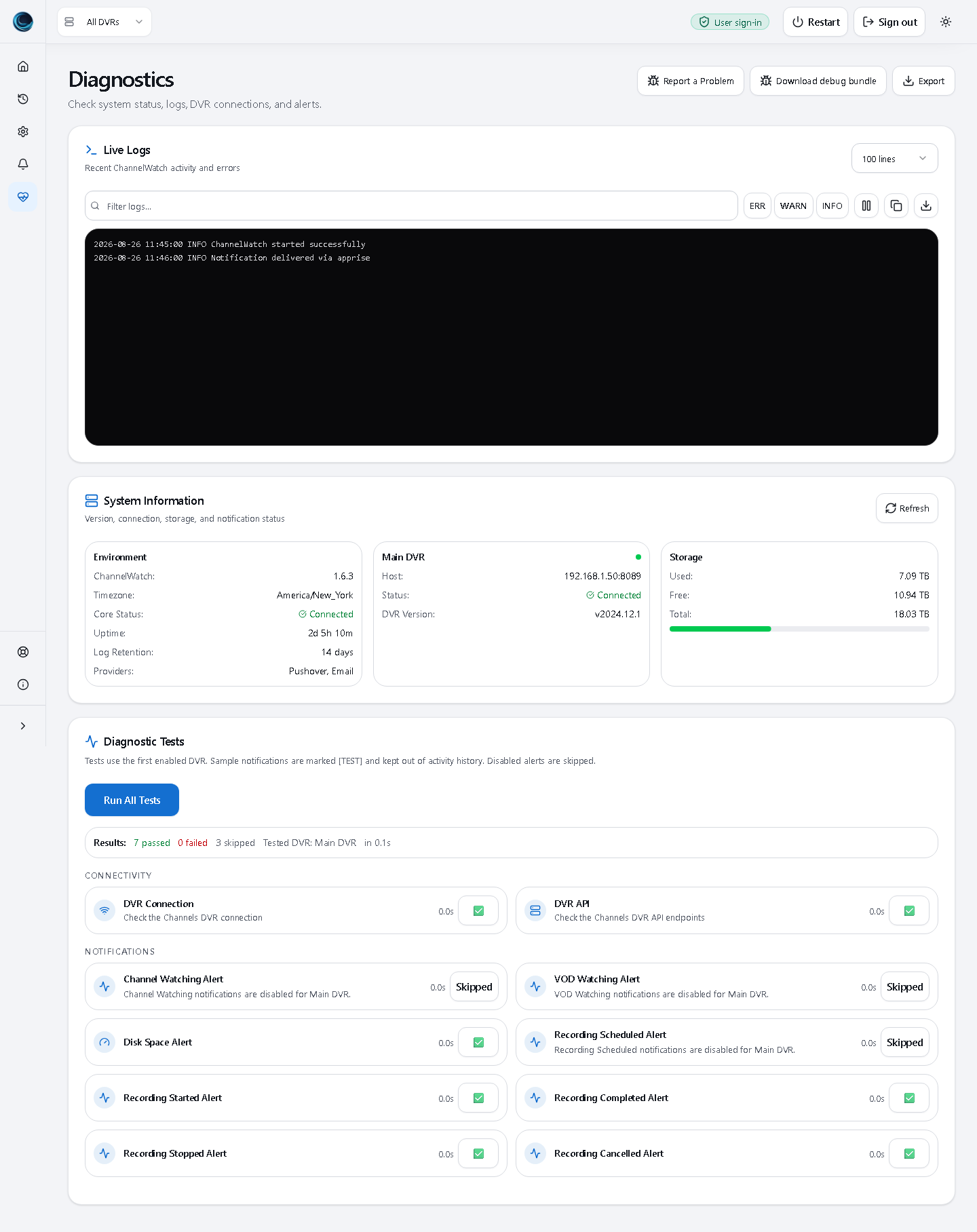
Diagnostics And Debug BundleThe Balanced preset skips disabled alerts and shows the tested DVR without counting those alerts as failures. 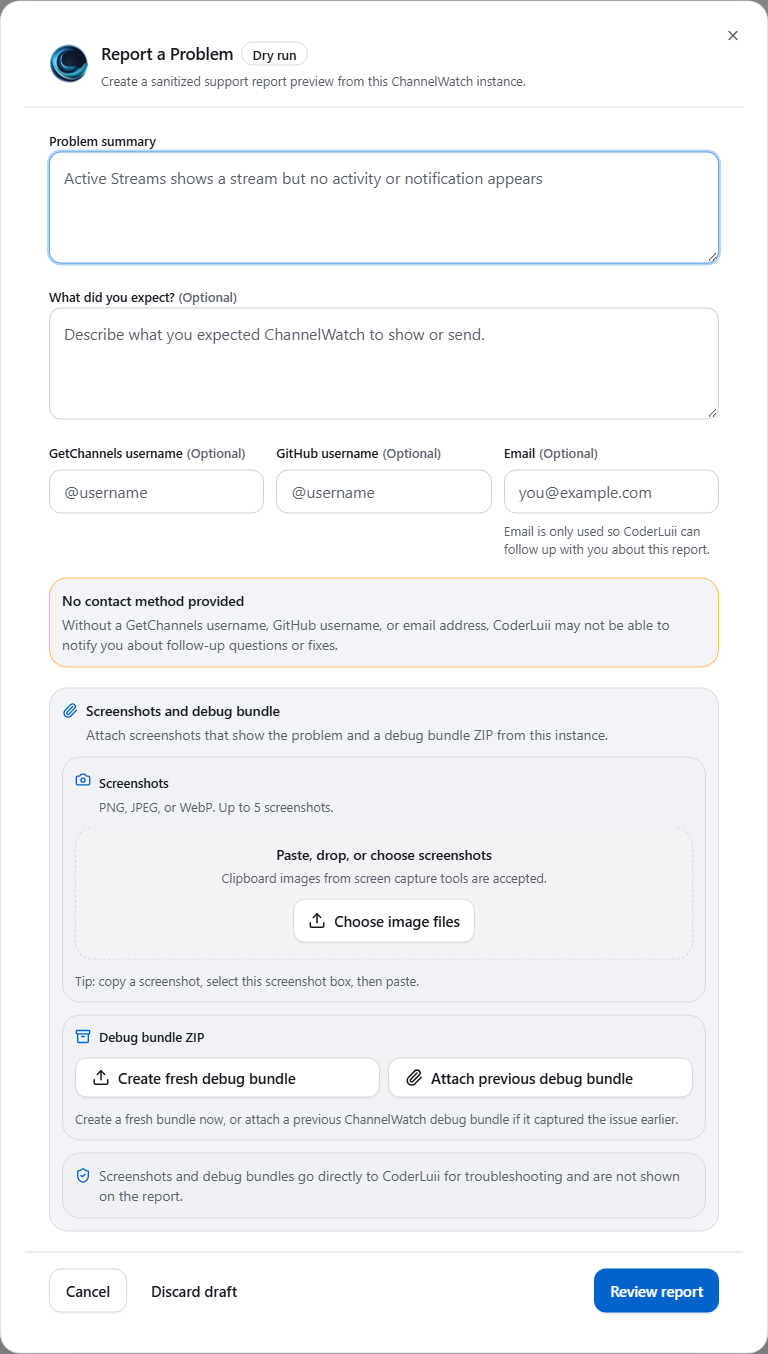
Report a Problem formThe report form asks for a summary and offers optional contact details, screenshots and a debug bundle. This capture uses Dry run mode and sends nothing.
Security
2 verified views
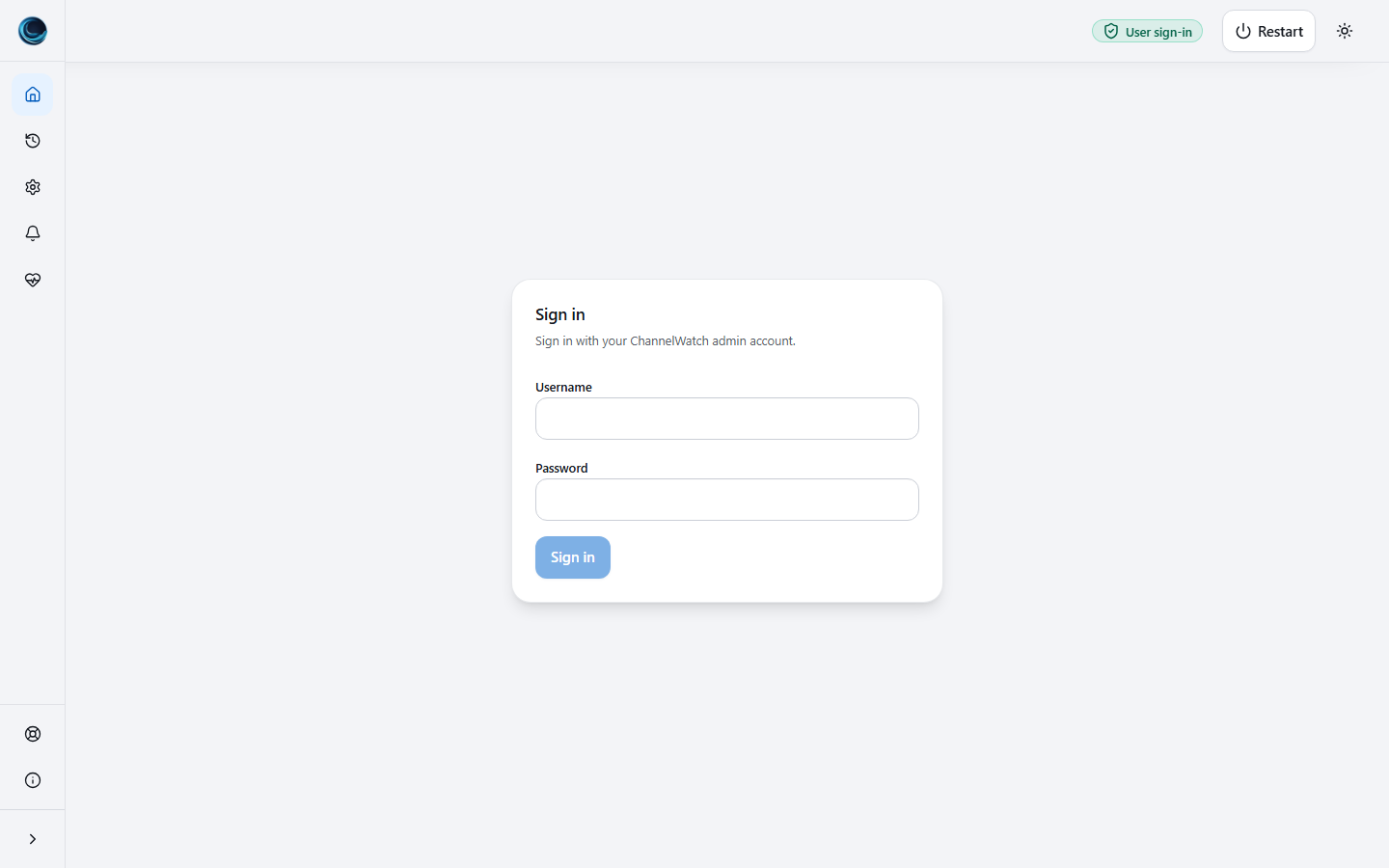
User sign-inUser sign-in protects the dashboard with an assigned account and password. 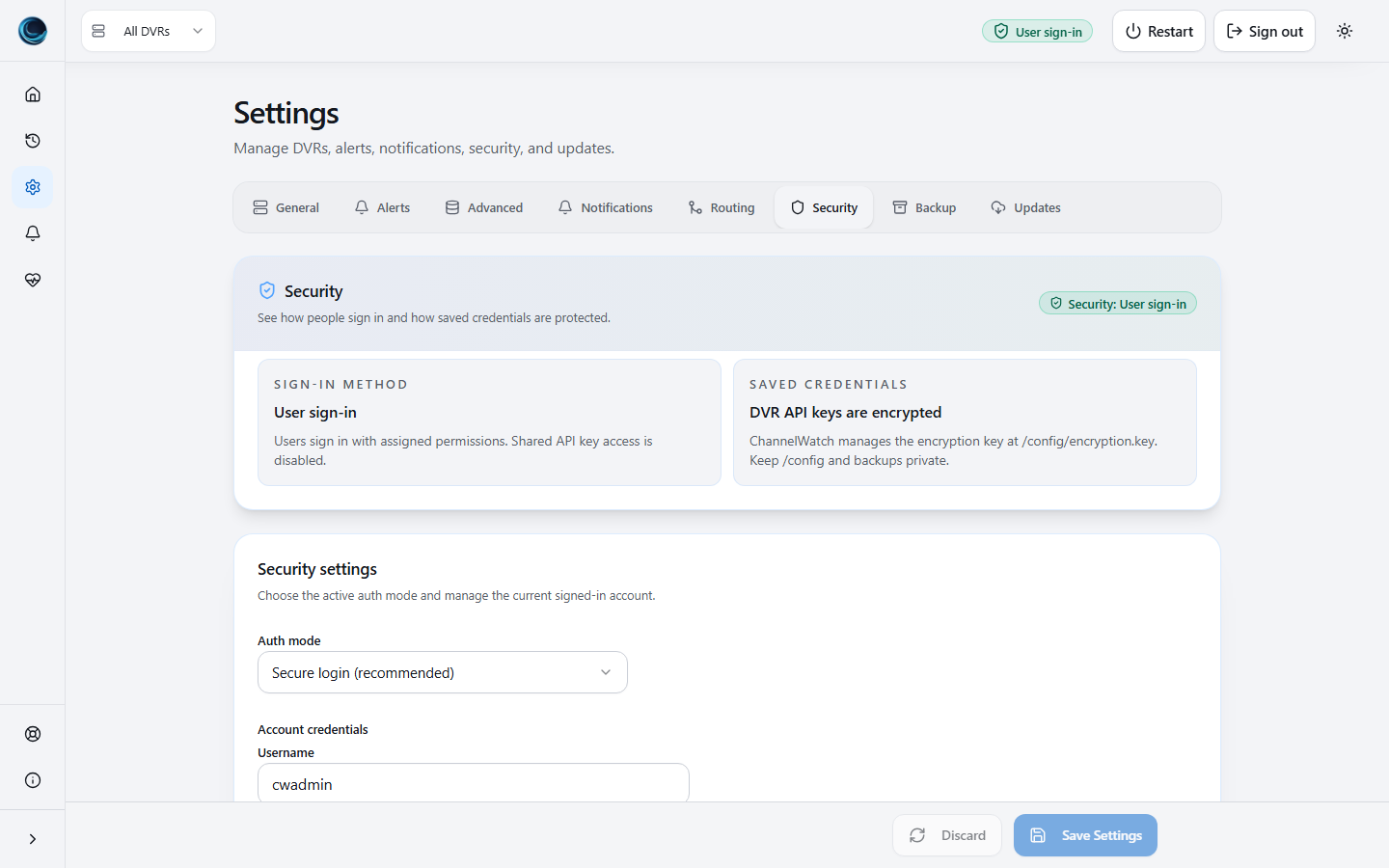
Users and permissionsUsers and permissions report the current sign-in mode, session support, API-key fallback state, and encrypted per-DVR key storage.
Responsive
1 verified view
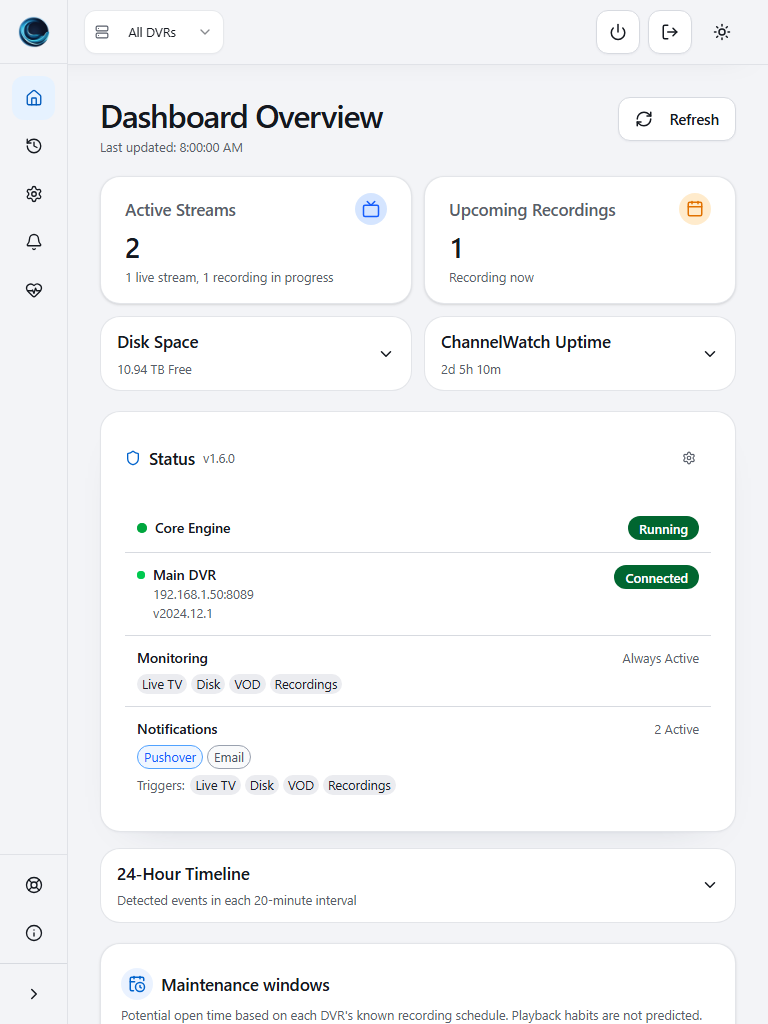
Dashboard TabletTablet portrait keeps dashboard cards stacked and readable.
States
2 verified views
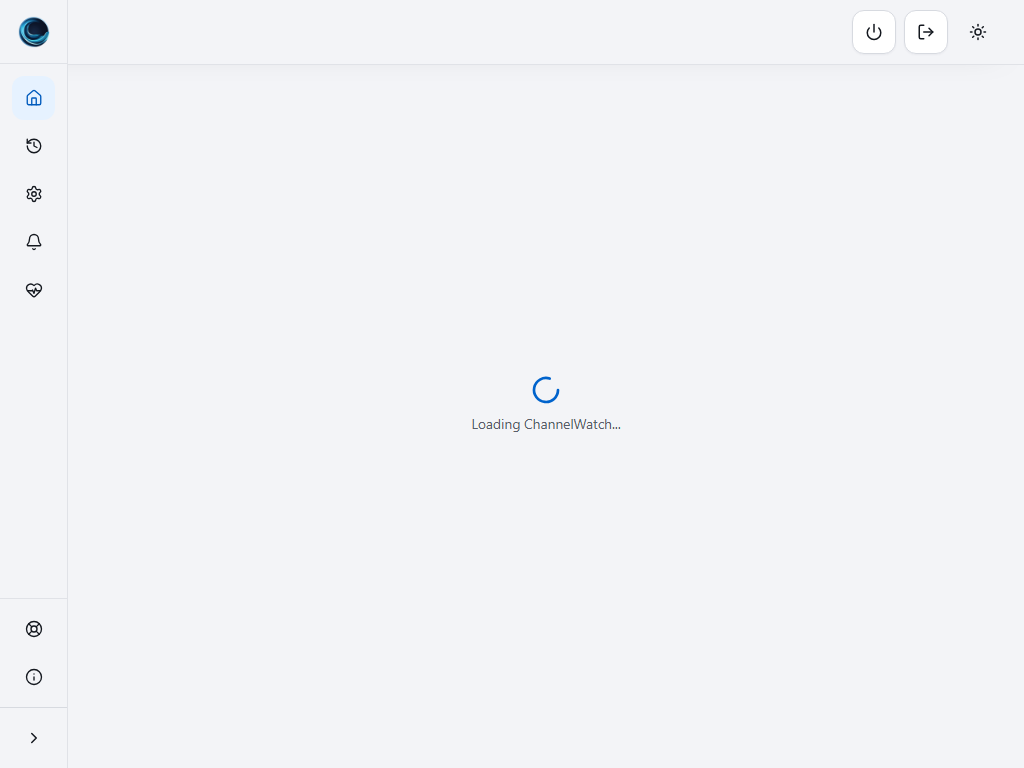
Dashboard LoadingThe initial loading state appears while the app waits for settings and security status. 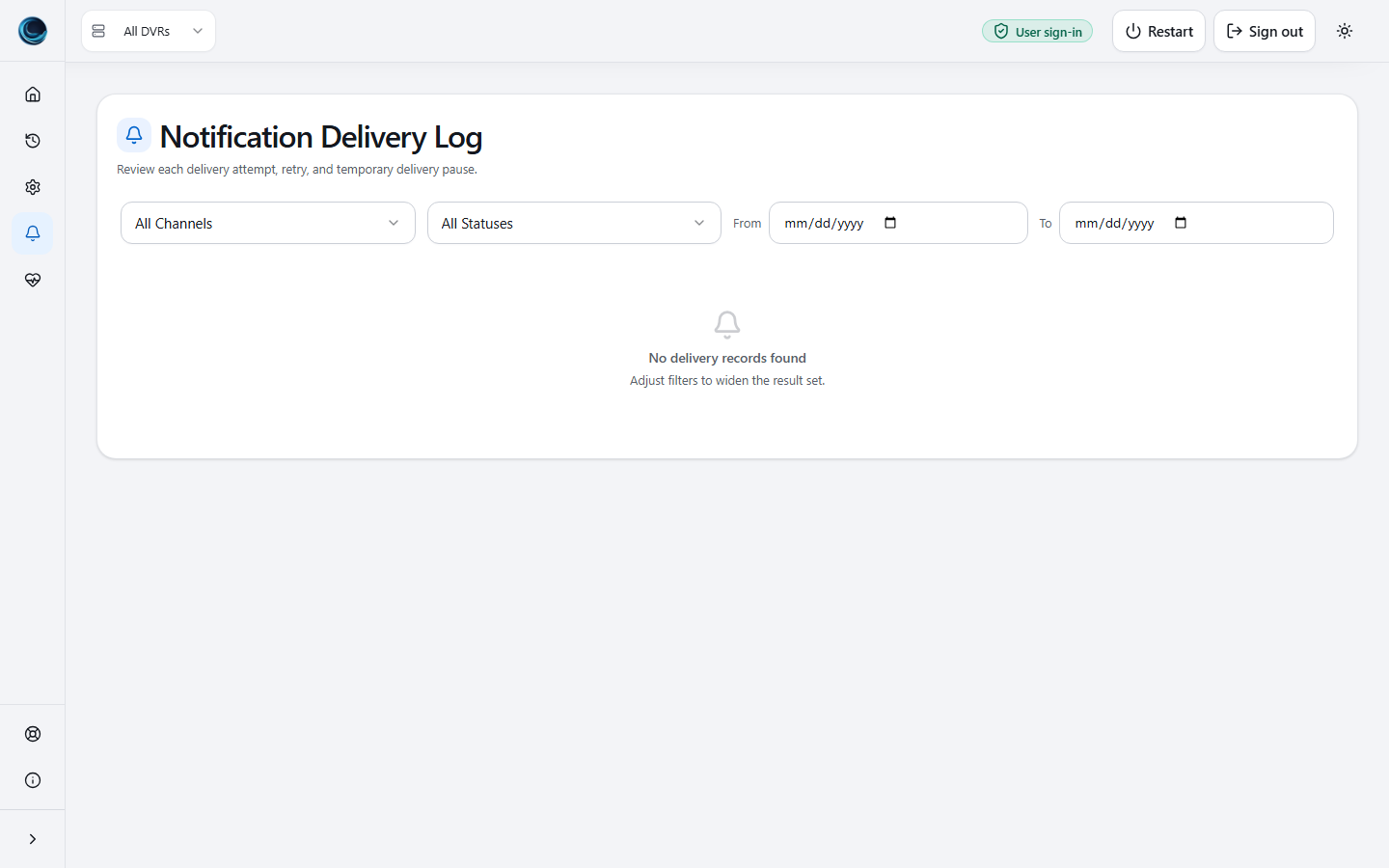
Notification Empty StateEmpty delivery logs explain what is missing instead of showing a blank table.